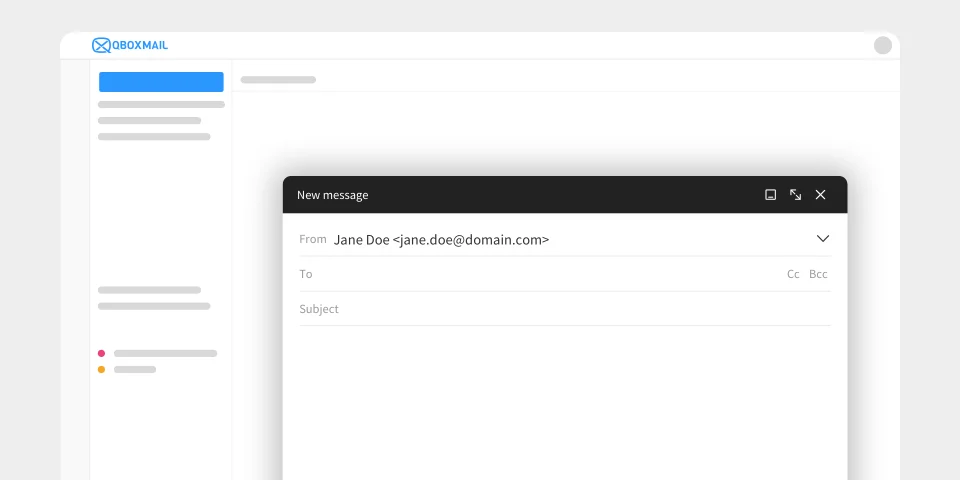
Interface of the new message composition window
News
Webmail

Message composition gets a new experience in Qboxmail Webmail

Writing a new email is one of the most common actions for anyone who works with professional email every day. It may seem simple, almost automatic: you open a window, add the recipients, write the message, attach any files, and...

Visual comparison between Google Workspace and Qboxmail: Google services on the left (Gmail, Drive, Calendar, Meet) and Qboxmail on the right, highlighting GDPR compliance, security, email, calendar, and integrations such as Zoom.
Qboxmail
Solutions
Webmail

Do you use Google Workspace only for email?

...then it may not be the right platform for your clients’ real needs Email is a critical service and requires careful management. In many cases, the reseller selects the platform to offer to customers. In other cases, the company independently...

Email inbox window showing the recipient “mark+newsletter@mysite.com ”, an example of how plus addressing helps keep email organized.
Qboxmail
Security
Webmail

Plus Addressing: What to Know

How Plus Addressing Helps You Manage Email Easily Organizing your inbox becomes difficult when you use the same address for everything: sign-ups, orders, support messages and newsletters.Plus addressing, also called subaddressing, is a useful way to keep everything under control...

Hi, I’m sorry but I am out of office…” On the right, a stylised paper aeroplane with a dashed line showing the email’s flight, all on a pale blue circular background. Below, the caption “design by Qboxmail.
News
Webmail

OOO: How to Write an Automatic Reply That Works

Are you about to go on holiday? Before you close everything, remember to set up your Out-of-Office (OOO) message.The OOO is an automatic reply that your mailbox sends to anyone who emails you while you’re away. As soon as an...

Illustration of three brick-style figures: on the left “Basic” (light gray), in the center “Professional” (yellow head with blue torso), on the right “Enterprise” (dark gray full figure), each labelled beneath them.
Brand
Qboxmail
Webmail

Qboxmail’s Professional Plan: Benefits & Activation

Opting for Qboxmail’s Professional plan means adopting an email platform built to meet the needs of companies and IT professionals, with collaboration tools, flexible storage and enhanced security. In a single solution, Qboxmail combines Webmail, synchronized calendars and online-meeting integrations,...

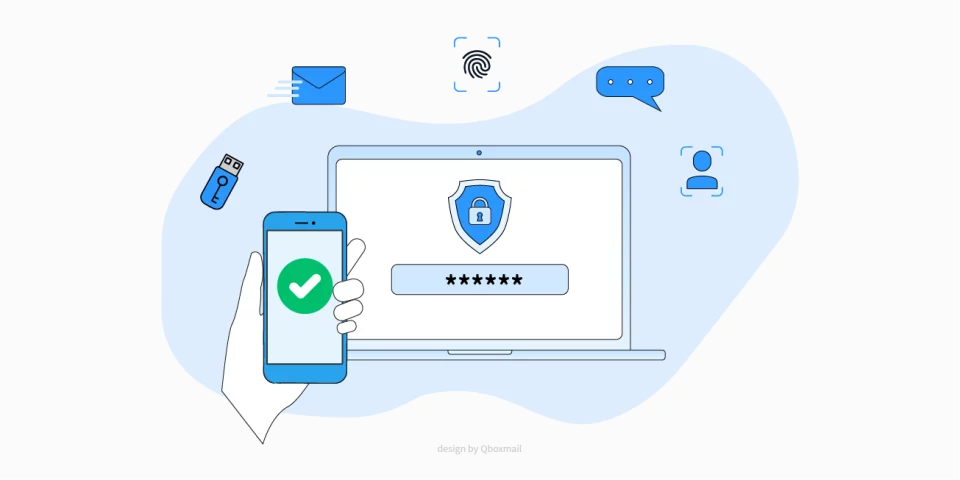
Illustration of a smartphone showing a green checkmark and a laptop with a password field and security icon, representing MFA and email protection.
Privacy
Qboxmail
Security
Webmail

MFA, 2FA and Email Security: Protect Your Business Accounts

Without MFA, every mailbox becomes a potential entry point for attackers.That’s no exaggeration. Most breaches, ransomware attacks, and stolen credentials start from email. Whether you manage dozens of accounts for clients or just one company infrastructure, you must protect email...

We use cookies to provide you with a better browsing experience, by continuing, you accept their use. For more information, visit the Privacy Policy page.

Accept