Message composition gets a new experience in Qboxmail Webmail

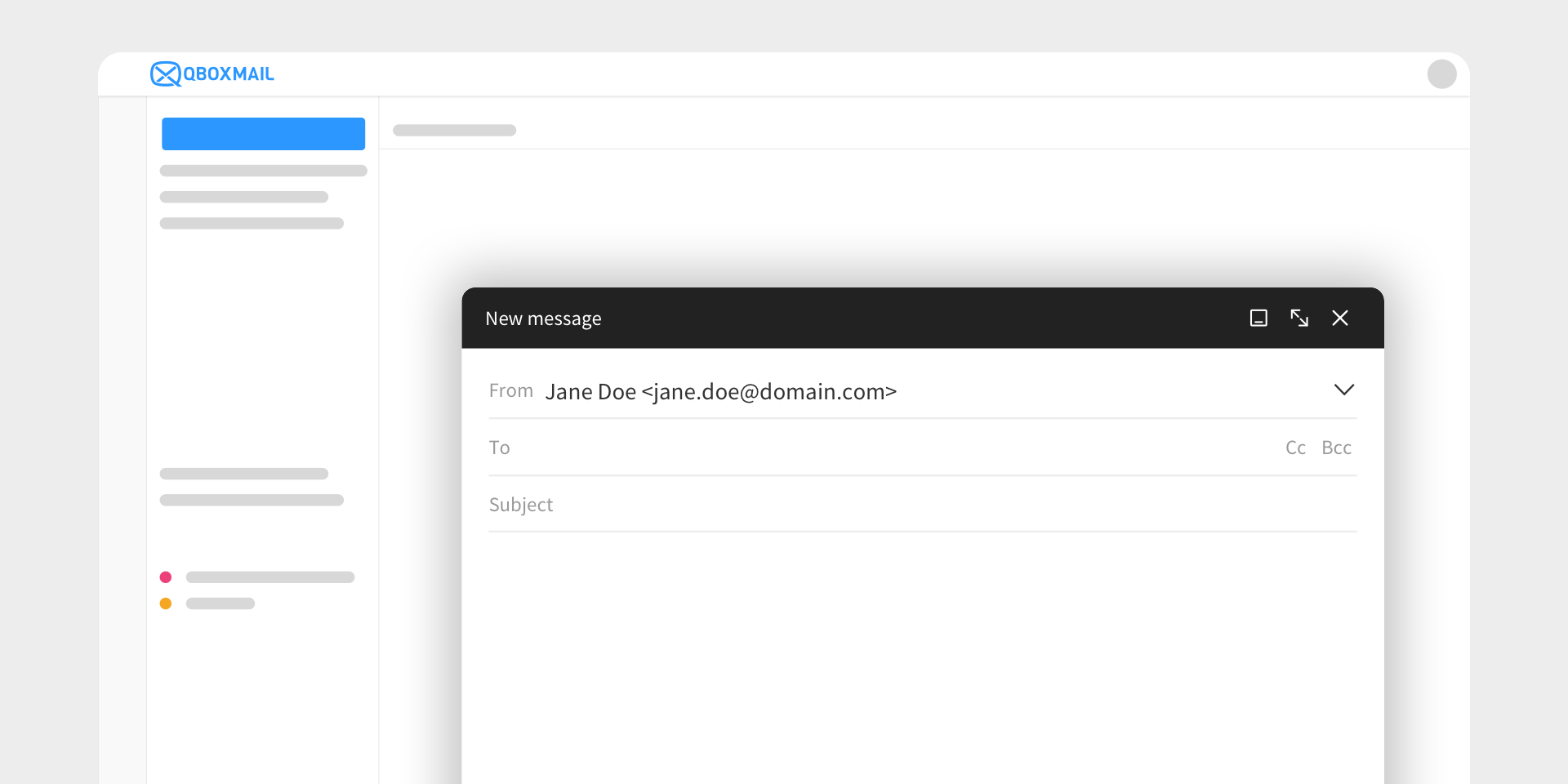
Writing a new email is one of the most common actions for anyone who works with professional email every day.
It may seem simple, almost automatic: you open a window, add the recipients, write the message, attach any files, and send. Yet, precisely because it is part of our daily routine, every detail of the composition experience can make a difference.
A window that is not very flexible, tools that are hard to reach, unclear management of multiple open messages, or small repetitive steps can make work less fluid. On the other hand, a more organized, intuitive, and customizable interface helps you focus better on what matters: writing, replying, and managing communications simply and effectively.
That is why we redesigned the composition window in Qboxmail Webmail.
This is not just a visual update, but a broader improvement to the user experience. The goal was to make message composition more fluid, flexible, and aligned with the way people actually use email in their everyday work.
A new interface for an everyday action
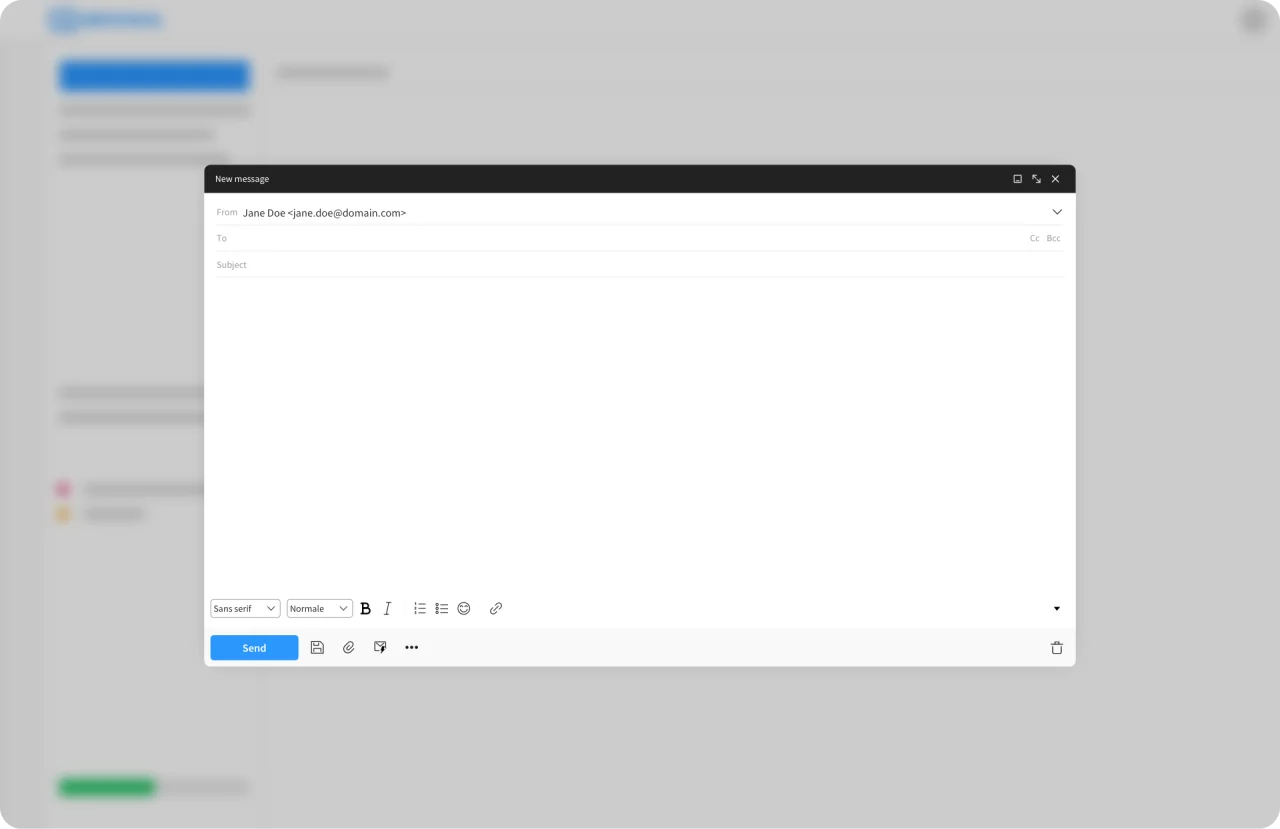
The new composition window introduces a more modern design and a more natural way to manage the workspace.
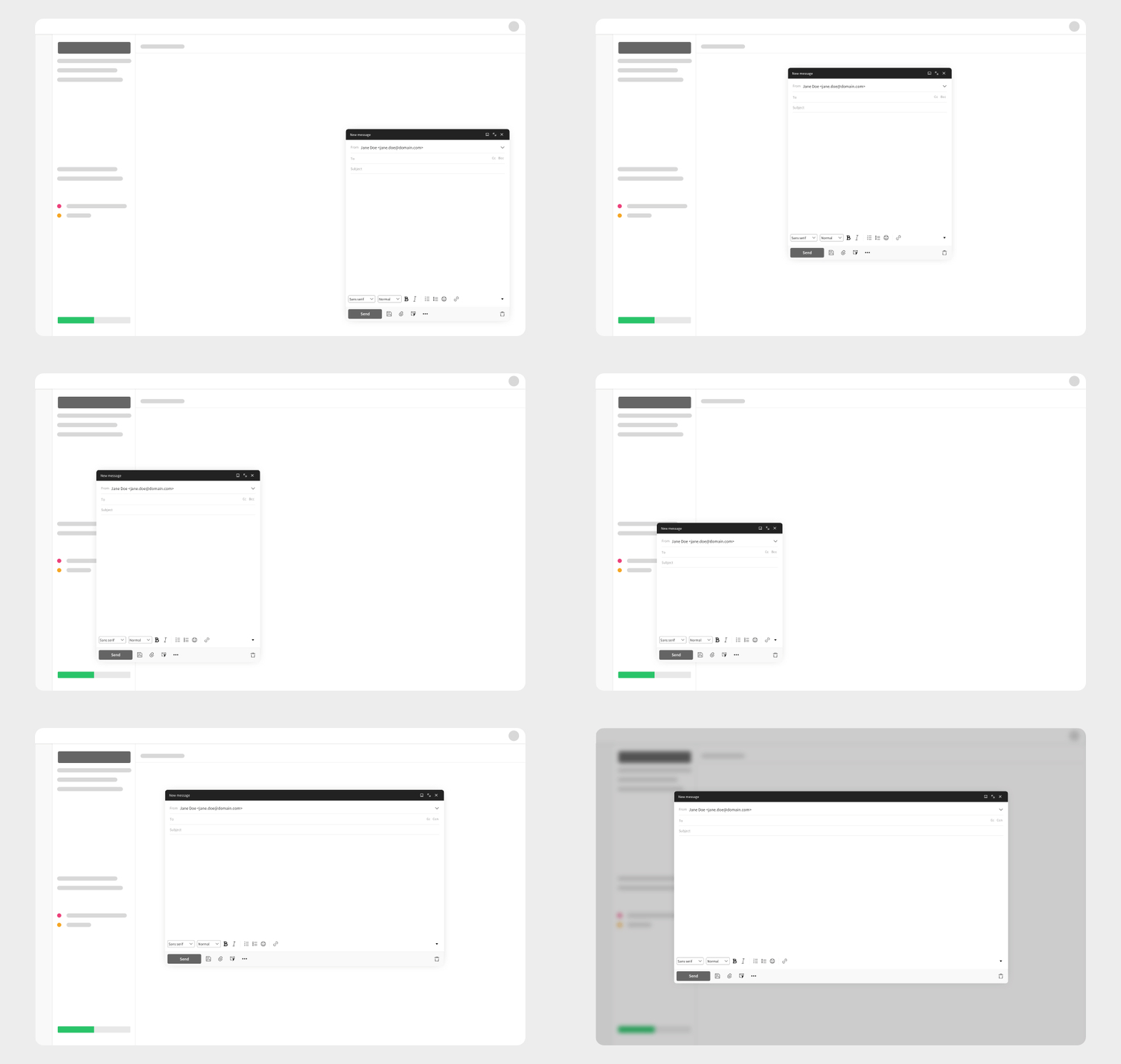
The window can now be moved and resized, so it can better adapt to different usage needs. This is especially useful when working on multiple messages, checking previously received emails, or keeping several elements of the Webmail visible while writing.
This update starts from a simple consideration: composing a message does not always happen in the same way. Sometimes you write a quick reply, while other times you prepare a more detailed communication. Sometimes you work on a single email, while other times you manage several conversations at once.
The new composition window was designed to better support these different scenarios.
More order when working on multiple messages
Anyone who uses Webmail often knows that it can happen to have several messages in progress at the same time: a reply to complete, a new email to prepare, a conversation to resume later.
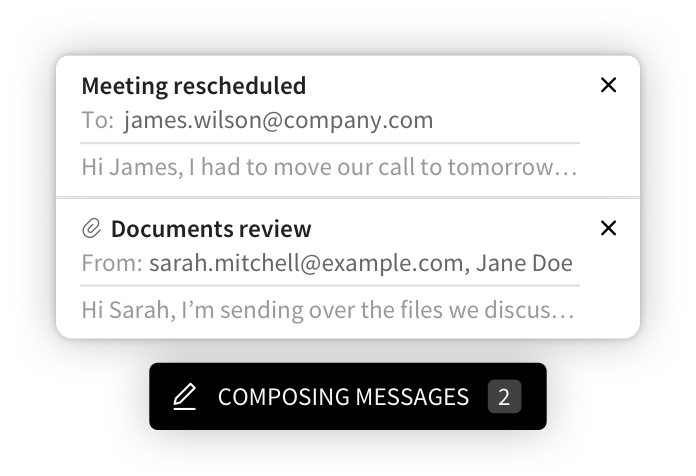
To make this easier to manage, Qboxmail Webmail now collects messages in composition in a dedicated panel at the bottom of the page. From there, you can view open emails and quickly bring back the one you want to continue working on.
This change is designed to reduce visual clutter and make it easier to move from one composition window to another, without losing context or making the workspace feel heavier.
A more flexible toolbar
Another important improvement concerns the toolbar in the composition window.
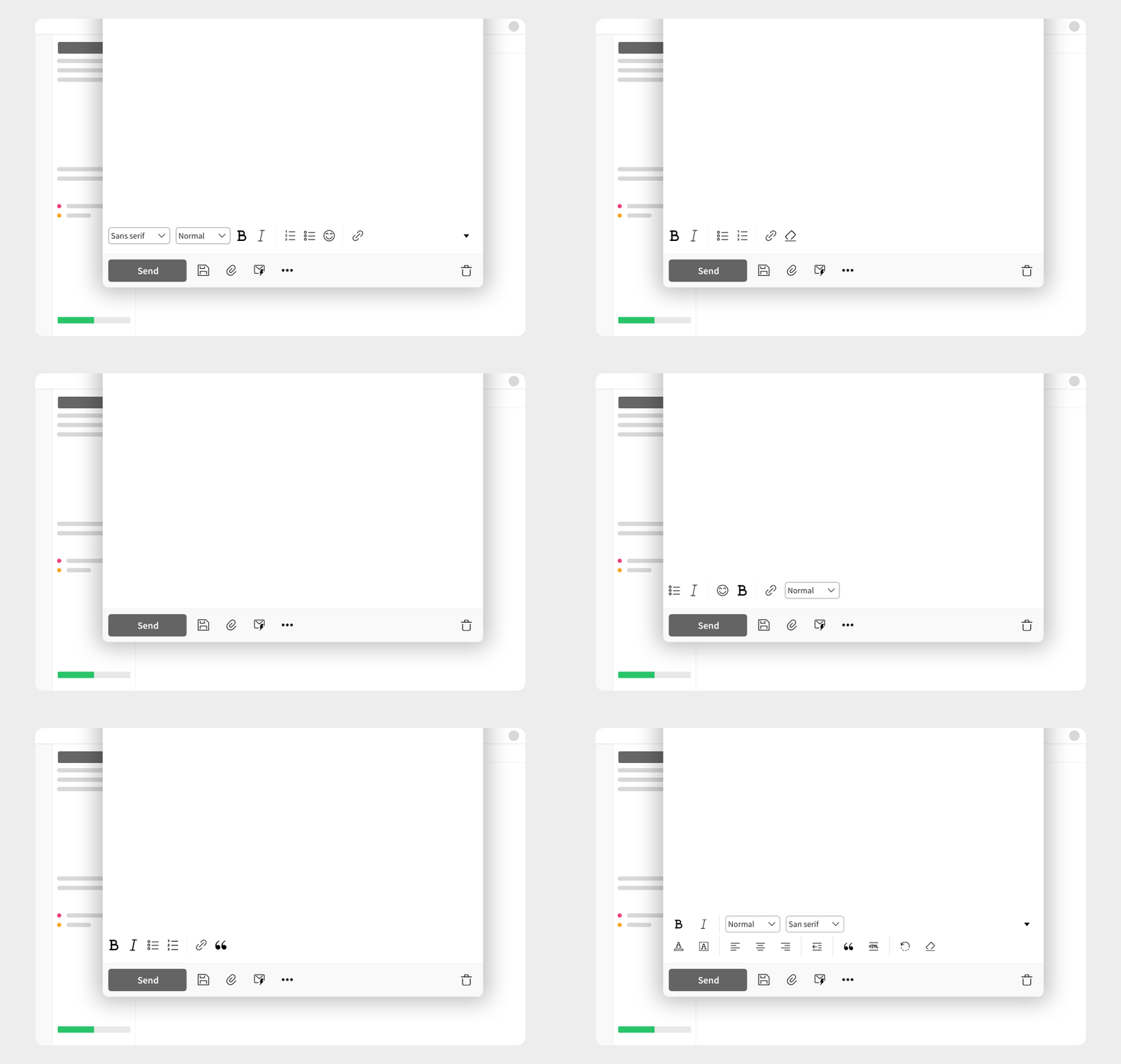
Every user has different habits: some often use formatting options, some prefer a more essential interface, some work with keyboard shortcuts, and others want to keep only the tools they really use close at hand.
For this reason, the new composition window lets you choose the setup that best fits the way you work. The toolbar can be more complete, more essential, or customized, making the writing experience less rigid and closer to each user’s preferences.
The new Focus Mode
One of the most significant new features is the new Focus Mode.
The previous full-screen mode has been redesigned to offer a more useful experience while writing. When activated, Webmail brings the message you are working on to the foreground and reduces distractions, while still keeping the other open messages accessible.
This feature is designed for anyone writing long messages, important replies, or communications that require more attention. Webmail gives more space to the content and helps you stay focused on the main task: composing the message.
Details that improve the writing experience
While redesigning the composition window, we also worked on many interaction details.
Text style management is now clearer, as are link insertion and editing. Recipient management is also faster, with the possibility to move addresses more easily between the To, Cc, and Bcc fields.
Taken individually, these improvements may seem small. But in a tool used every day, details also have an impact on the overall experience.
A Webmail designed for real work
The new composition window confirms the ongoing evolution of Qboxmail Webmail.
Qboxmail Webmail is a complete environment for managing professional communications, designed to offer a simple, organized, and reliable experience.
Qboxmail can be used with the main email clients, but for those who often work from a browser, from different devices, or simply want to use an interface integrated into their Email Hosting service, Webmail is becoming an increasingly complete solution.
With this update, we wanted to improve one of the most important spaces in the email experience: the place where messages take shape.
The new composition window is already available
The new composition window is already available in Qboxmail Webmail.
Users who already use Webmail will find a more modern, organized, and flexible experience. Those who have not opened it in a while now have a good reason to rediscover it.
Log in to Qboxmail Webmail and try the new composition window
If you already use Qboxmail, open Webmail and discover the new writing experience. If you are evaluating a professional email service for your company or your customers, find out how Qboxmail helps you manage email, contacts, and calendars from a single, simple, and complete platform.