API for Email Hosting and Email Delivery
Integrate and automate Qboxmail email services across your systems, software, and business processes via API
Automate email management and sending across your systems and applications
Qboxmail APIs let you automate the setup and management of Email Hosting and Email Delivery, integrate provisioning and billing into your business systems, and send emails directly from software, e-commerce platforms, and applications.
Email APIs for resellers and hosting providers
Automate provisioning and the management of domains and email accounts, and integrate Qboxmail services into your customer portals, billing systems, and operational workflows.
Email APIs for software companies and website builders
Integrate Email Hosting and Email Delivery into your software and platforms to automate the creation of email resources and the sending of messages generated by your applications.
Email APIs for e-commerce and logistics
Connect Email Delivery to e-commerce platforms, management systems, and logistics systems to automatically send notifications, order confirmations, updates, and promotional communications.
How to manage email accounts and bulk email sending via API
Management API
You can use the Management API to create, configure, and manage Email Hosting and Email Delivery resources, including domains, email accounts, Delivery accounts, suppression lists, logs, reports, migrations, and more.
Email Hosting
Resources and features you can manage via API:
- Create and manage domains, email accounts, and aliases
- Configure email signatures, address books, and contacts
- Manage imports, migrations, and archiving
- View and analyze email logs
- Manage passwords and security policies
Email Delivery
Resources and features you can manage via API:
- Monitor dashboards and sending statistics
- Manage transactional or promotional email sending
- Configure sending domains and verify DNS settings
- Manage suppression lists
- View and analyze email logs and sending status
How to send transactional and promotional emails via API
Send API
With the Send API for Email Delivery, you can integrate transactional and promotional email sending directly into your websites, software, e-commerce platforms, and applications. You can choose between sending complete, independent messages or sending the same personalized message in bulk to multiple recipients.
Send Messages: for notifications and application-generated messages
Use Send Messages when your software needs to create and send one or more complete messages, directly defining the sender, recipients, subject, and plain-text or HTML content.
This option is best suited, for example, for notifications, confirmations, transactional emails, and messages triggered by a user action.
Send Bulk Messages: for personalized bulk email sending
Use Send Bulk Messages when you need to send a communication to many recipients using a single template while personalizing the content for each contact.
This option is best suited for personalized bulk email sending. Using variables, you can customize the subject, content, headers, metadata, tags, and attachments.
How to use AI to integrate Qboxmail APIs
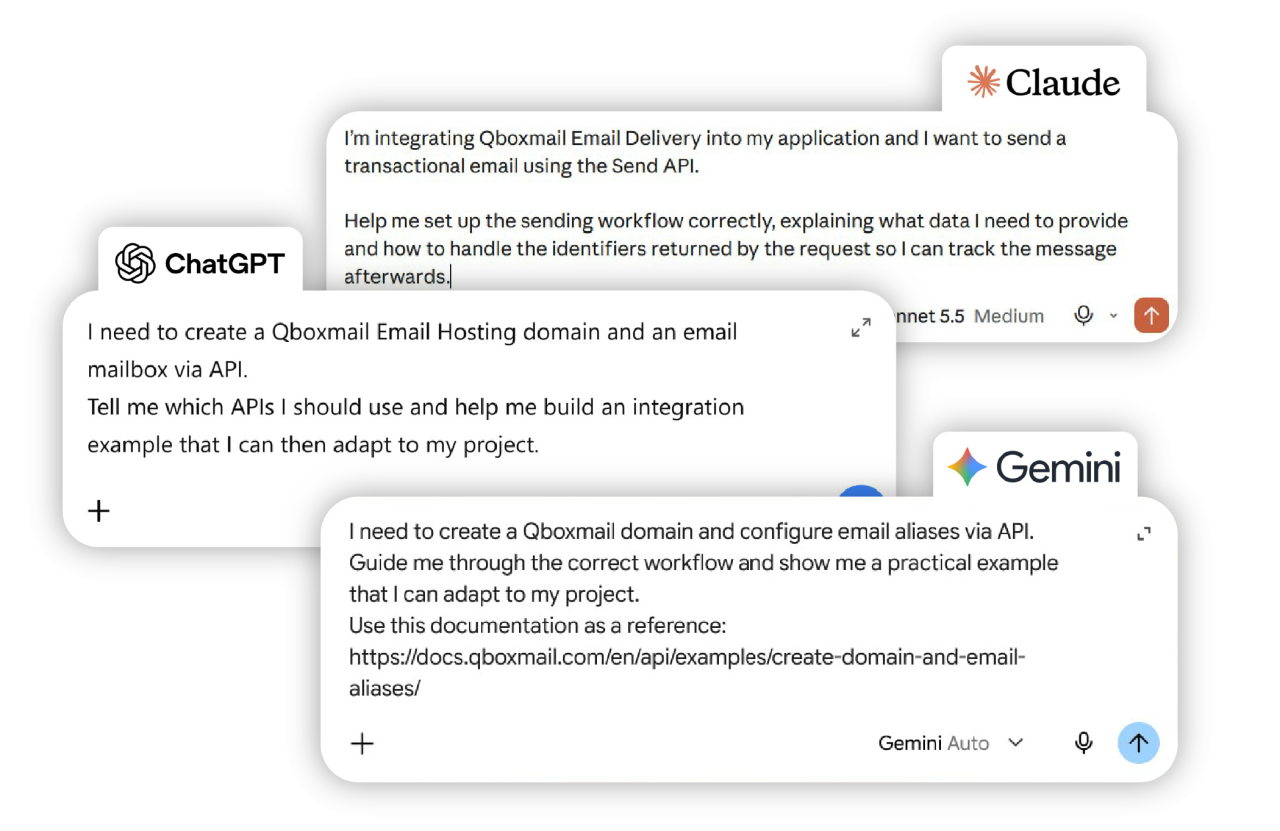
Artificial Intelligence can simplify Qboxmail API integration by helping you consult the documentation, identify the most suitable endpoints, and generate useful examples to configure your integration workflows more quickly.
You can start from the official Qboxmail API examples and ask AI to guide you through the configuration of domains, email accounts and aliases, or through email sending via the Send API.
Qboxmail APIs can be integrated into automated workflows, connecting tasks such as provisioning, resource management, service monitoring, and email sending with the processes already used in your software and business systems.
AI can also help you analyze data available through the APIs to monitor service status, for example by identifying email accounts close to their storage limit, analyzing email logs to detect sending issues, or checking the DNS configuration of Email Delivery domains.
How to integrate Qboxmail APIs into your software and processes
To start using the Qboxmail APIs:
- Activate a free Email Hosting trial or an Email Delivery account
- Generate the access token
- Consult the documentation for the API you want to use
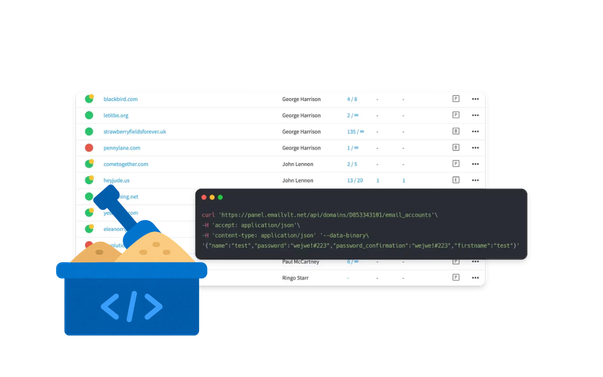
- Test the integration in the Sandbox
- Integrate the API calls into your software and processes
This allows you to connect Email Hosting and Email Delivery to your applications and automate management, provisioning, and email sending.
During implementation, you can also rely on Qboxmail technical support to assist you with integrating the APIs into your company systems.


APIs compatible with all programming languages
Based on REST architecture and JSON format, Qboxmail APIs can be integrated with the main programming languages, applications, and business processes.
You can use them to connect Email Hosting and Email Delivery to your systems, automate the management of domains, email accounts, and user accounts, or integrate email sending directly into your software, e-commerce platforms, and applications.
Test in a safe environment
Before integrating the Qboxmail APIs into your systems, you can test how they work in a dedicated Sandbox environment. This allows you to run tests safely, verify integration workflows, and become familiar with the APIs without affecting the production environment.
Request access to the Sandbox and use the dedicated credentials to start developing and testing your integration with Email Hosting and Email Delivery.
Request Sandbox access