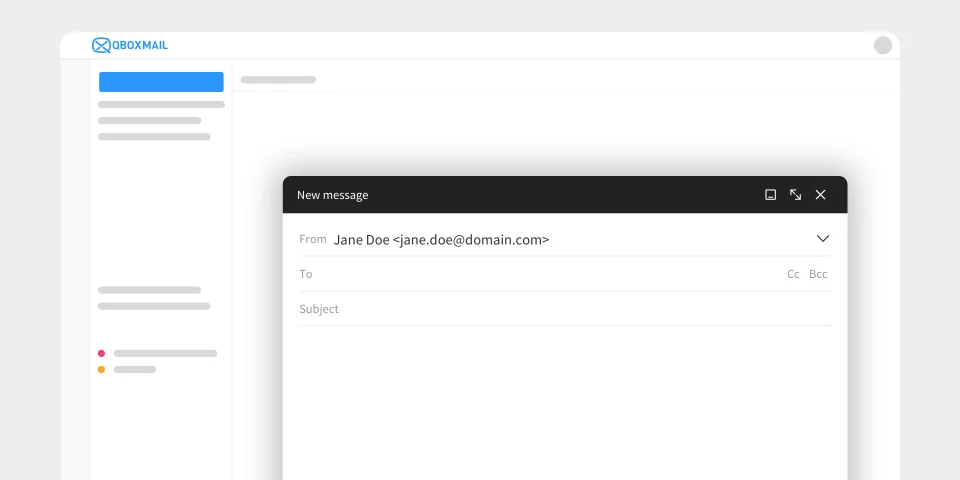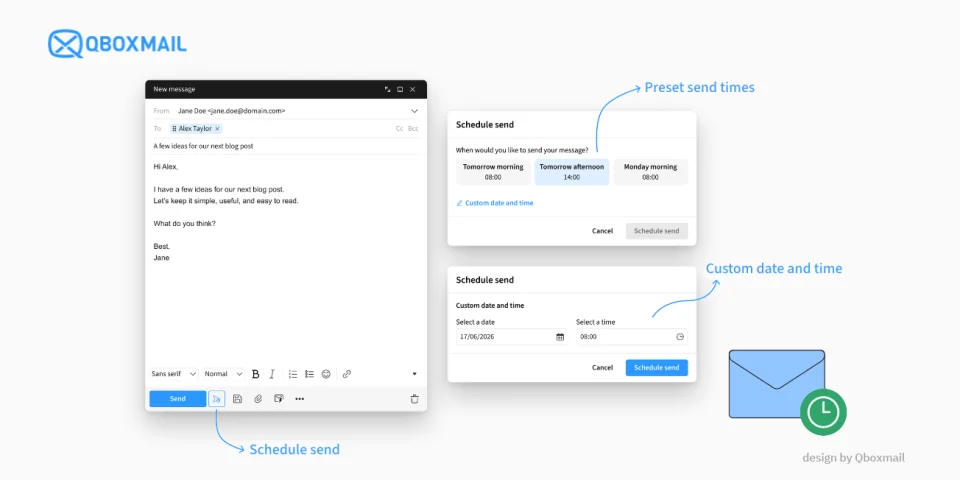
Qboxmail Webmail showing how to schedule an email using preset send times or a custom date and time.
News
Webmail

How to Schedule an Email with Qboxmail Webmail

With Qboxmail Webmail, you can schedule emails by choosing the date and time you want them to be sent. This feature helps you organize work communications, prepare emails in advance, and choose the best time to reach your recipients. What...

World map highlighting Qboxmail's participation in ICT events in Italy, Spain, France and Miami in October and November 2026.
News

Qboxmail at ICT Events in October and November 2026: Where to Meet Us

Seven events across Italy, Europe and the United States, talks on digital sovereignty and email security, and new opportunities to meet ICT professionals and businesses. Our event calendar kicked off on October 21–22 with MSP Global 2026 in Barcelona, where...

illustration of several dialogue clouds with the flags of spain, portugal, sweden, and holland inside and two big blue and blue centerpieces with a Chinese letter and character
News

Multilingual Webmail: All Languages Available on Qboxmail

Webmail Available in Multiple Languages Managing email services for customers and businesses operating in different countries requires easy-to-use tools, even when users speak different languages. Qboxmail's multilingual Webmail is available in 13 languages, allowing each user to access the interface...

Qboxmail at MSP Global 2026 in Barcelona – Booth G10
News
Qboxmail

Qboxmail is partner of MSP Global 2026: Meet Us in Barcelona

On October 21–22, Qboxmail will be at MSP Global 2026, the international event for Managed Service Providers (MSPs), resellers, system integrators and IT professionals. Join us at PortAventura, near Barcelona, where the Qboxmail team will be waiting for you at...

Interface of the new message composition window
News
Webmail

Message composition gets a new experience in Qboxmail Webmail

Writing a new email is one of the most common actions for anyone who works with professional email every day. It may seem simple, almost automatic: you open a window, add the recipients, write the message, attach any files, and...

Hi, I’m sorry but I am out of office…” On the right, a stylised paper aeroplane with a dashed line showing the email’s flight, all on a pale blue circular background. Below, the caption “design by Qboxmail.
News
Webmail

OOO: How to Write an Automatic Reply That Works

Are you about to go on holiday? Before you close everything, remember to set up your Out-of-Office (OOO) message.The OOO is an automatic reply that your mailbox sends to anyone who emails you while you’re away. As soon as an...

We use cookies to provide you with a better browsing experience, by continuing, you accept their use. For more information, visit the Privacy Policy page.

Accept