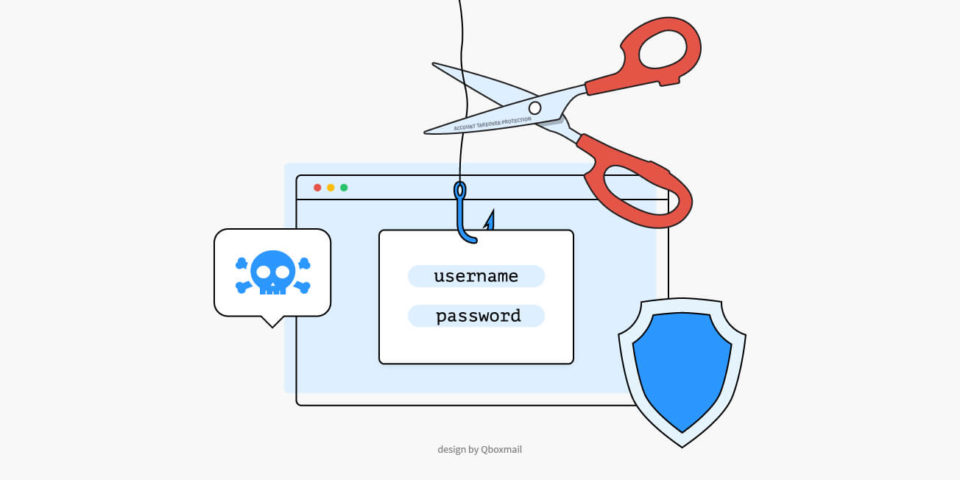
Illustration depicting protection from phishing attempts: a scissor cuts a hook with a login screen to prevent credential theft. Security and cyber threat symbols highlighted. Design by Qboxmail.
News
Security
Solutions

Password theft

A new monitoring system to protect your mailbox Malware that infect computers tend to steal the login credentials of webmail users more and more often. Attackers then use these credentials to send additional emails containing spam or viruses through their...

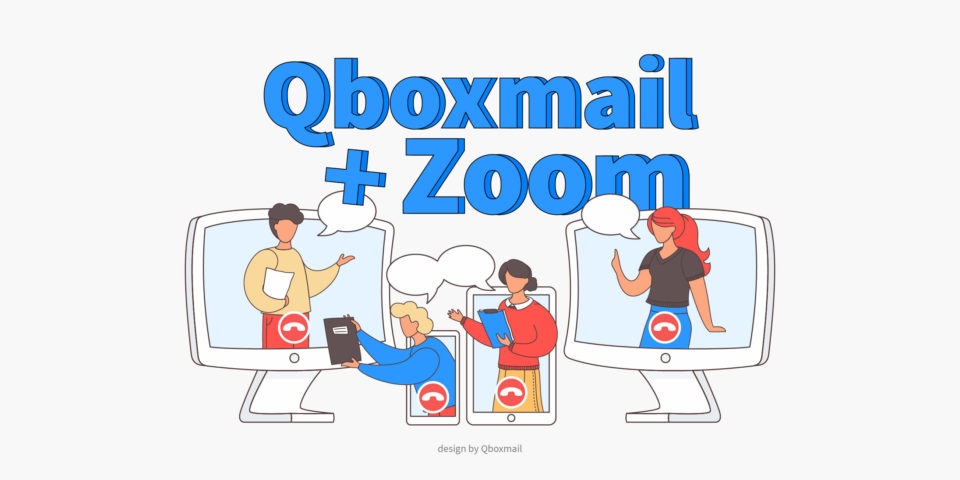
Illustration of three people communicating via Zoom from three different devices, integrated into the Qboxmail platform.
News
Qboxmail
Solutions

Zoom Integration in Qboxmail Calendar

Schedule Video Meetings with One Click Qboxmail makes it easier to manage business communication by combining email, calendar, and collaboration tools in a single platform. To simplify remote meetings, we have integrated Zoom directly into the Qboxmail Calendar. With this...

100GB mailboxes
News
Qboxmail
Solutions

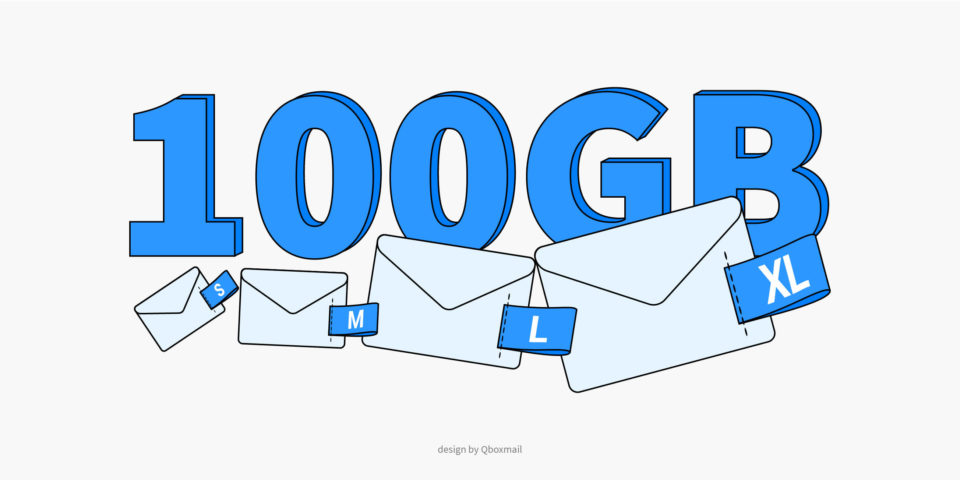
100GB Email Account for your Business

When You Need Them and How to Activate Companies exchange a huge amount of emails every day: invoices, contracts, marketing campaigns, customer support messages. For some teams, standard mailbox sizes are no longer enough. That’s why having accounts up to...

Illustration of a robotic arm organizing emails in one folder while others are being trashed. Symbol of automation in email management. Design by Qboxmail.
Insights
News
Other
Qboxmail
Solutions

Automatic cancellation of messages: find out how to best organize your emails

Often the email accounts are full of old or very old messages that we no longer need and you can keep them clean and tidy with the automatic deletion of folders. Automatic cancellation of messages A full email account makes...

Illustration of a CSV download icon with a cloud and a downward arrow, accompanied by graphical data analysis elements, such as diagrams and the Microsoft Excel logo.
News
Qboxmail
Solutions

CSV reports available in the Control Panel

Keeping track of domains, mailboxes and usage metrics is essential for any IT team or service provider. Qboxmail’s Control Panel now delivers CSV reports on demand, so you can export detailed data in seconds without scripting or manual copying. Whether...

Illustration of a broweser page saying “New message and signature editor” with mail letters and a paper airplane flying in the background
News
Qboxmail

Discover Qboxmail’s webmail editor

Qboxmail’s webmail editor format messages and signatures with HTML, add custom links and enjoy a 30% lighter, faster interface. Qboxmail’s built-in editor has replaced TinyMCE to deliver a fast, stable writing environment right in your browser. Now you can format...

We use cookies to provide you a better browsing experience, by continuing you accept their use. For more information visit the Privacy policy page.

Accept