CSV reports available in the Control Panel

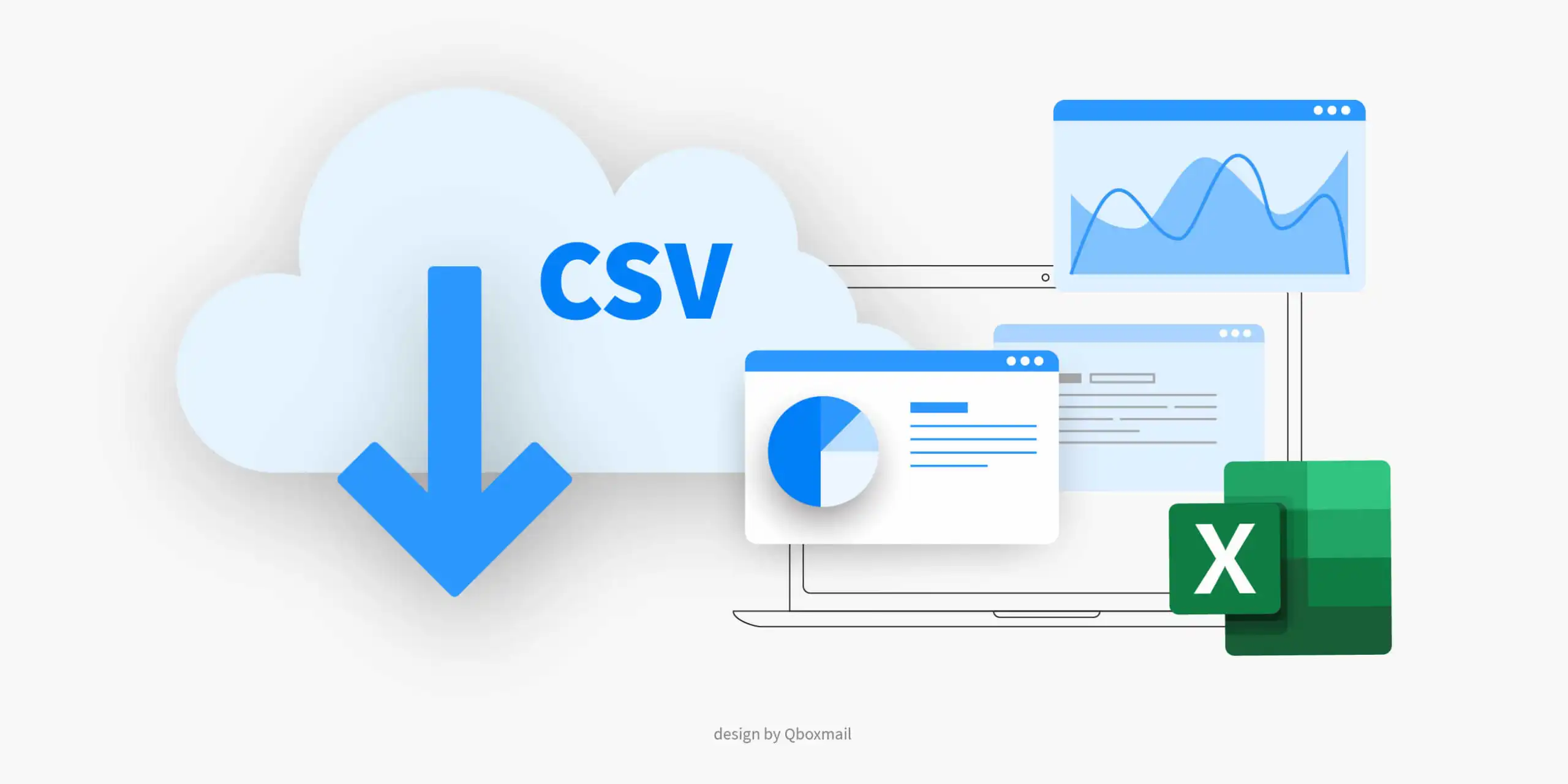
Keeping track of domains, mailboxes and usage metrics is essential for any IT team or service provider. Qboxmail’s Control Panel now delivers CSV reports on demand, so you can export detailed data in seconds without scripting or manual copying. Whether you’re auditing account growth, planning capacity or generating invoices, these exports give you accurate, up-to-date information at your fingertips.
To access your reports, simply log in to the Control Panel and open the Reports section. Select the report type you need and click “Download CSV.” The file arrives instantly, complete with headers and values ready for analysis. No more waiting for scheduled exports or wrestling with API calls.
Reports are currently available for:
| Report | Description |
|---|---|
| Domains | Detail of all the domains present within an account. |
| Alias Domains | Detail of all alias domains present within an account. |
| Domain Limits | Detail of the limits set on the domains present within an account. |
| Email Account | Detail of all the email accounts present within an account. |
| Email Alias | Detail of all the email aliases present within an account. |
| Email Archive | Detail of all email archives present within an account. |
Each CSV file can be filtered or joined with your billing and monitoring tools. For example, combine the “Email accounts” and “Domain limits” reports to verify that no mailbox exceeds its allocated quota. Or use the “Email archives” export to track long-term storage usage for compliance audits. The flexibility of raw CSV lets you automate custom dashboards or integrate directly into ERP systems.
Qboxmail generates all report data in real time, so additions, removals or policy updates appear instantly and you never work with stale numbers. And because we built this feature directly into the Control Panel, you won’t need any extra setup or additional credentials.
Ready to streamline your reporting? Log in to Qboxmail’s Control Panel, head to Reports, and download your first CSV export. For detailed instructions and examples, see the Reports chapter in our online Documentation.

White Label: customize our applications with your logo
Corporate email signature templates