Are you considering an alternative to Rackspace?

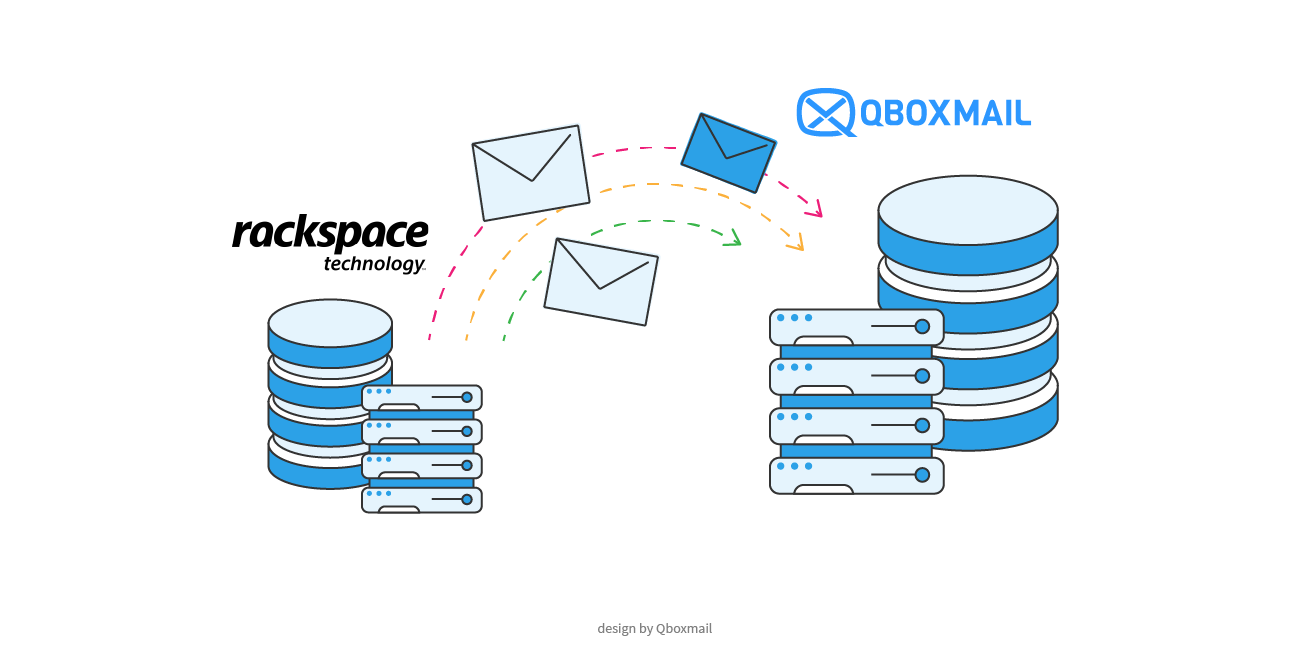
Here is how to migrate without complications and move to a more sustainable model
When a provider introduces significant pricing changes, companies and resellers must decide whether to absorb the increase or reorganize the service. In many cases, reorganization becomes necessary, yet concerns about migration complexity often delay the decision.
A well planned migration relies on method, not improvisation. With the right tools, you can transfer mailboxes, folders and message history without interrupting users’ daily work, while restructuring the service on more predictable economic foundations.
Why pricing structure matters
If you manage dozens or hundreds of mailboxes, you already know how every price change affects your margins. A per mailbox increase, multiplied across your entire customer base, either reduces profitability or forces you to adjust pricing toward end customers, which can strain commercial relationships.
Qboxmail applies a simple pay per use model: you pay only for active mailboxes, with no fixed costs or activation fees. As the number of mailboxes grows, the unit cost decreases through volume discounts. This structure allows you to align spending with actual usage and avoid unexpected budget deviations. Resellers regain control over margins, while direct companies align service costs with the real size of their organization.
Changing provider does not mean disrupting users
Many organizations postpone migration because they fear operational downtime. When you structure the process properly, separate each phase and plan the MX switch carefully, you turn the transition into a controlled and predictable technical operation.
You start by preparing domains and mailboxes through bulk CSV import, which creates the full structure before moving any data. Then you launch the message copy from the source server. During this phase, mailboxes remain active on the original system, so users continue working without interruption.
After the initial synchronization, you update the MX records to Qboxmail, preferably outside business hours. A second synchronization captures any email received during DNS propagation and completes the transition.
From the Control Panel, you schedule date and time, monitor progress and review logs. If issues arise, the technical support team works alongside the partner or the company until completion.
You can find more info about migration, here: https://www.qboxmail.com/features/imports-migrations/
Reduce costs without increasing complexity
Reducing costs by changing provider makes sense only when the new service does not introduce operational friction. If lower pricing leads to unclear procedures, limited tools or distant support, the economic advantage quickly disappears.
When you move from Rackspace to Qboxmail, you transfer your communication history to an infrastructure that Qboxmail manages directly and controls at software and data center level. You can plan every phase of the migration from the Control Panel.
At the same time, you rely on a clear pay per use model: you pay exclusively for active mailboxes, with no fixed or activation costs, and the unit cost decreases as volume increases. This approach lets you realign spending with the actual number of managed accounts and plan margins and pricing with greater stability.
If you are evaluating a change to your current email service, you can start with a 30 day free trial and plan the migration gradually, verifying timing and procedures before the final switch.

Qboxmail is partner of MSP Global 2026: Meet Us in Barcelona
How to Choose a Business Email Provider: 6 Key Criteria