IP Blocklisted: causes, how to check, and how to fix it

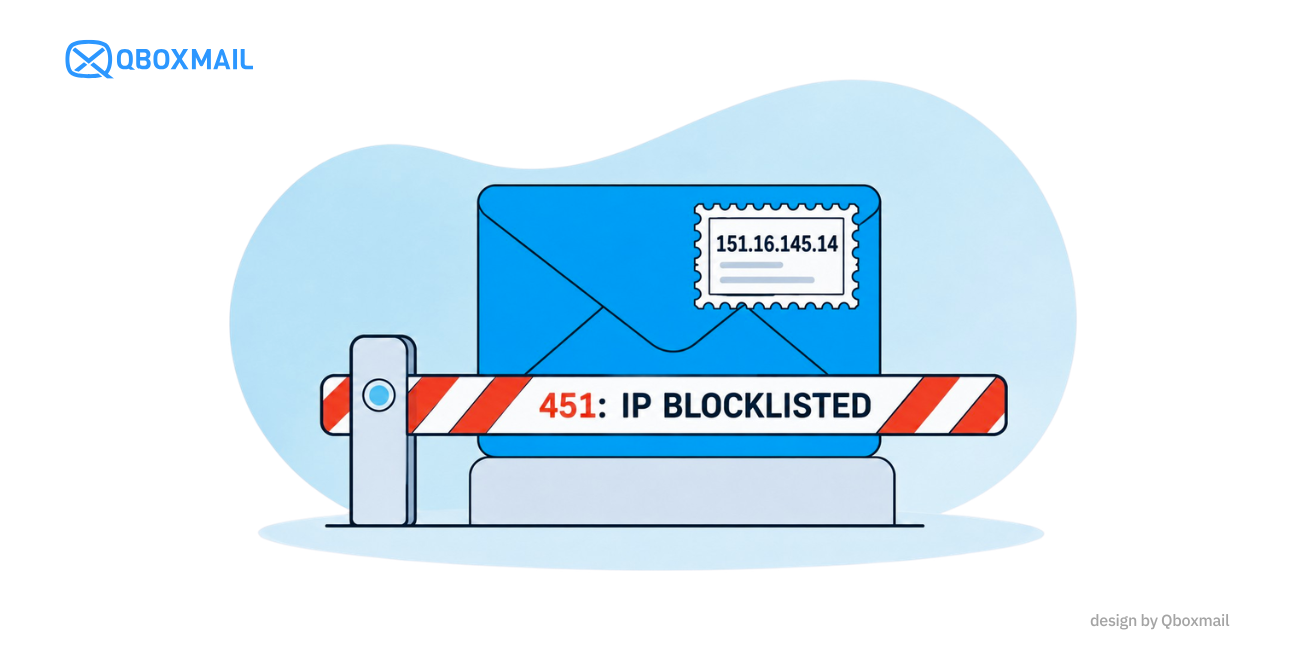
Are emails sent from your SMTP server being rejected? Are you receiving error messages indicating an issue with your IP address reputation?
When an email sending IP is blocklisted, receiving mail servers that use the blocklist may block or filter messages coming from that address, causing email delivery issues.
Restoring email delivery requires more than requesting removal from a blocklist: you need to identify and fix the underlying cause to prevent the problem from happening again.
Let’s look at how to check if an IP address is blocklisted, the most common causes, and the steps you can take to resolve the issue.
What does it mean when an email IP is blocklisted?
An email blocklist is a list of IP addresses or domains associated with suspicious activities, such as sending spam, phishing emails, or unwanted messages.
Spam filtering systems may use this information, along with other reputation signals, to determine whether to accept or reject a message.
However, it is important to distinguish between two situations:
- IP address listed on a public blocklist: the address appears on a reputation list used by certain spam filtering systems
- IP address blocked by a specific email provider: services such as Gmail or Microsoft may restrict email delivery based on their own reputation systems, even if the IP address does not appear on a public blocklist
Both situations can cause email delivery problems, but the procedures for identifying and resolving them are different.
Not all blocklists carry the same weight: appearing on a list does not necessarily mean that every email sent from that IP address will be rejected.
To learn more about how blocklists work and how spam filtering systems use them, read our article on the main email blocklists to use on your mail server.
How to Check if an SMTP IP Address Is Blocklisted
If your emails are not reaching their recipients, the first step is to determine whether the problem is actually related to your IP reputation.
Before submitting a delisting request, you need to collect information about the error and identify which recipients are affected.
Check SMTP Error Messages
SMTP error messages returned by receiving mail servers can provide important information about why an email was rejected.
Here are some examples:
- 421 or 451: may indicate a temporary issue, such as rate limiting, service unavailability, or reputation-related restrictions
- 550 or 554: may indicate a permanent message rejection, including for anti-spam or policy reasons
- Enhanced status codes 4.7.x and 5.7.x: often provide additional information about restrictions, authentication, or recipient server policies
The exact meaning depends on the full error code and the response returned by the server.
To help interpret these errors, many email providers publish documentation explaining SMTP error codes and the possible reasons for message rejection. For example, you can consult the official guides from Microsoft, Yahoo, and Comcast.
These resources can help you determine whether the problem is related to IP reputation, server configuration, or receiving provider policies, making it easier to identify the appropriate solution.
Check Your IP Address Reputation
To check whether your mail server appears on the blocklists used by Qboxmail, you can use our free IP Blocklist Checker.
To check additional public blocklists, you can use MultiRBL by Valli.org, which allows you to check whether an IP address is listed on multiple blocklists at once.
For further checks, you can consult services such as Spamhaus or tools provided by receiving email providers, including Google Postmaster Tools and Microsoft SNDS.
These tools help identify potential reputation issues and determine which actions are needed.
Why does an IP address get blocklisted?
An IP address being added to a blocklist is often the result of issues or sending behavior that occurred before the block.
Identifying the root cause is essential: without fixing it, an IP address may be listed again even after being removed from a blocklist.
The most common causes include:
Sending Spam or Unsolicited Emails
Sending messages to recipients who have not requested them can generate spam complaints and damage sender reputation.
Outdated, purchased, or improperly verified contact lists can also increase the risk of complaints, invalid email addresses, and spam reports.
Compromised Email Accounts
Stolen credentials can be used to send large volumes of unwanted emails. This activity can quickly damage the reputation of the IP address associated with the SMTP server, increasing the risk of blocklisting and causing delivery problems for other users sharing the same infrastructure.
Incorrect Email Server Configuration
Authentication and configuration issues, such as incorrect SPF, DKIM, or DMARC records, inconsistent reverse DNS, or a misconfigured SMTP EHLO, can negatively affect message acceptance.
Not all these issues directly cause an IP address to be blocklisted, but they can contribute to email deliverability problems or failure to comply with receiving provider policies.
Sudden Increases in Sending Volume
An IP address that suddenly starts sending large volumes of emails may attract the attention of spam filtering systems, especially if it does not have an established sending reputation.
The risk increases when sending volumes grow too quickly or when messages generate a high number of rejections and spam complaints.
IP Blocklisted: How to Fix the Problem
When an IP address is blocked, the goal should not simply be to restore email delivery as quickly as possible, but to eliminate the underlying cause that damaged its reputation.
An effective response can be organized into five steps.
Identify the Block and Assess Its Impact
Analyze SMTP logs and error messages to determine:
- Which IP addresses and domains are affected
- Which receiving email providers are rejecting messages
- When the delivery problems started
- Which customers or services are affected
- Whether messages are being rejected temporarily or permanently
This information helps assess the severity of the incident and identify which email traffic requires immediate attention.
Identify the Source of Suspicious Email Traffic
Once you have identified the affected IP address, you need to trace the suspicious traffic back to the accounts, domains, or applications responsible.
Email sending logs can help identify sudden increases in volume, unusual recipients, repeated delivery errors, or other abnormal behavior.
If the traffic originates from a compromised account, you will need to stop the abusive activity, review account access, change the credentials, and secure the account.
If the problem is related to an email campaign, you may need to suspend sending and verify the source and quality of the recipient list.
Fix the Root Cause Before Requesting Delisting
This is one of the most important steps.
Requesting the removal of an IP address from a blocklist without resolving the underlying issue can lead to the IP being listed again.
Before proceeding, make sure abusive sending has stopped, compromised accounts have been secured, and any problematic configurations have been corrected.
When necessary, apply temporary sending restrictions to the responsible sender to protect the rest of the infrastructure.
Request Removal from the Blocklist
Once the root cause has been resolved, you can follow the delisting procedure provided by the service that applied the block.
For public blocklists, such as those managed by Spamhaus, you should review the information associated with the IP address and follow the applicable removal procedure.
When blocks are applied directly by email providers, different tools and procedures may be required.
For example, Microsoft 365 provides a dedicated IP delisting portal for requesting the removal of blocked IP addresses in eligible cases.
If you use Qboxmail email services, you can contact our technical support team to report email delivery problems and request an analysis of the errors. With monitoring tools and specialized expertise in email infrastructure, our technical team can help identify the source of the problem and assess the necessary actions.
However, there is no universal delisting procedure that works for every provider, and removal cannot be guaranteed within a specific timeframe.
Monitor IP Reputation After Delisting
Restoring email delivery does not mean the incident is over.
In the following days, it is important to continue checking SMTP logs, spam complaints, error rates, and sending volumes to ensure that email traffic has returned to normal.
Sender reputation may take time to recover, even after the IP address has been removed from the blocklist.
How to Prevent IP Blocklisting: Customer Vetting and Email Monitoring
Sender reputation management should not begin only when an IP address gets blocklisted.
Two activities are particularly important for preventing incidents: customer vetting and continuous monitoring.
Customer Vetting: Assessing New Customers Before Allowing Email Sending
Customer vetting is the process through which an email provider evaluates new customers and senders before allowing them to use its sending infrastructure.
The goal is to identify potential risks in advance by checking factors such as the nature of the business, the types of emails being sent, expected sending volumes, and how recipient addresses are collected.
A customer sending transactional notifications has different requirements and sending patterns from one managing large-scale promotional email campaigns.
Understanding these differences helps establish appropriate controls and restrictions.
Vetting reduces the initial risk, but it cannot eliminate the possibility that a customer may develop problematic sending behavior later.
Continuous Monitoring: Detecting Anomalies Before an IP Gets Blocklisted
Even a customer who has always sent legitimate emails can suddenly become a source of risk, for example, if an account is compromised.
This is why it is important to understand each sender’s normal sending behavior.
Key metrics to monitor include:
- Email sending volume over time
- Sudden changes in sending frequency
- Number of recipients and distribution of email traffic
- SMTP errors and rejected messages
- Spam complaints, when available
- Unusual authentication and account access activity
The goal is to detect suspicious behavior before it develops into a reputation problem.
Blocklists should be used as a verification tool, not as the first warning system for your email infrastructure.
How to Prevent Your IP Address from Being Blocklisted Again
The most effective approach is to prevent reputation problems before they affect email delivery.
This means understanding normal sender traffic, monitoring unusual activity, and taking prompt action when problematic accounts are identified.
For MSPs, hosting providers, and businesses managing multiple customers, it is also important to decide how to organize email sending across shared and dedicated IP addresses.
Learn how to protect email IP reputation and prevent SMTP blocks through monitoring, sender management, and IP warm-up.
An IP blocklist is often a symptom of a larger problem: effective reputation management helps identify and resolve issues before they disrupt email delivery.
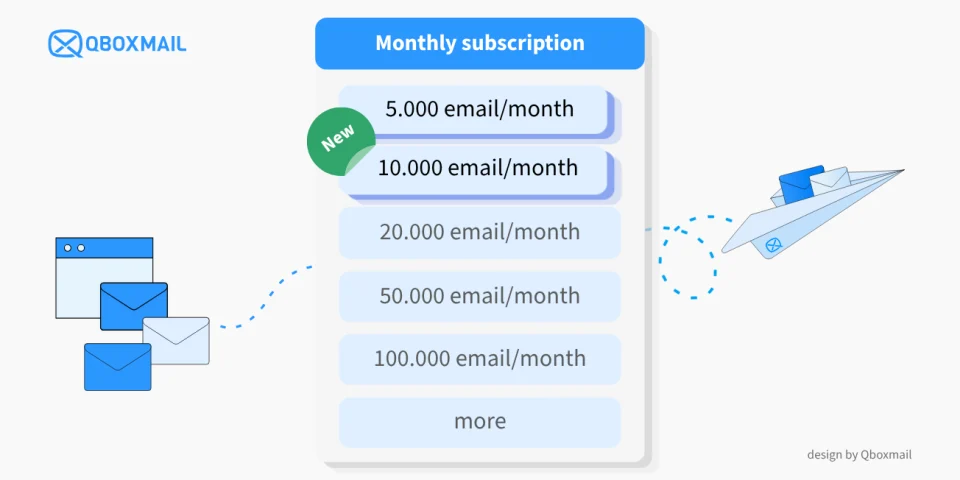
Low-Volume SMTP Relay: New Email Delivery Plans with 5,000 and 10,000 emails per month
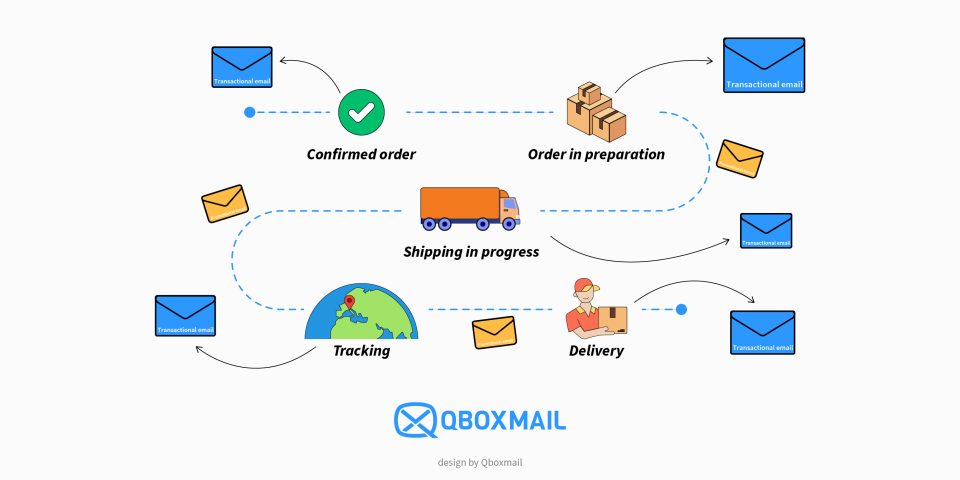
Email Notifications for Shipping: Management in Logistics Systems
