Manage email sending in applications and systems integrators


The role of email for system integrators
A system integrator designs, connects, and maintains systems that must operate continuously: management software, web platforms, custom applications, and integrations between different systems.
In many of these projects, email supports specific actions generated by the system:
- a management system sends automatic notifications about orders, invoices, or activities
- a web platform handles registrations, password resets, and user communications
- software integrated with other services generates alerts, reports, or automated events
These messages belong to the application flow and, when they fail, the issue directly affects the service delivered to the client.
Managing email sending
In many projects, the application itself handles email sending. Each system independently manages SMTP delivery, with configurations defined case by case.
This approach can work at low volumes, but as systems grow, clear operational limits emerge.
The most common issues include:
- lack of control over sending activity and its status
- difficulty handling errors, delays, or failed deliveries
- no centralized view across multiple projects
- unpredictable peak management
- the need to modify the application for every change
This results in fragmented management that requires time and increases operational complexity.
In daily work, a system integrator handles very practical situations that rarely appear during the design phase.
For example, a client may report that some emails were not sent, without any immediate clarity on where the flow stopped. At that point, the integrator must check application logs or analyze system behavior to understand whether the issue involves sending, delivery, or an incorrect configuration.
In other cases, applications work correctly under normal conditions but show limitations during peak periods, when increased traffic causes slowdowns or blocks in automated communications.
When managing multiple projects, each with different sending logic, every intervention requires time because there is no single point of control and each system follows its own rules. Even a simple change, such as adjusting a sending limit or an SMTP configuration, may require repeated updates across multiple applications. Over time, these activities accumulate and take up operational space that does not relate to development or project evolution, but to managing a component that remains distributed and difficult to control.
The need: remove email management from the application
For a system integrator, separating application logic from email sending becomes essential.
Separating sending management from the application prevents each project from directly handling:
- SMTP delivery
- retries
- error handling
- flow control
This approach keeps applications cleaner and reduces operational work related to email management.
What changes with Email Delivery
With Email Delivery, the system moves sending management outside the application and assigns it to a dedicated service designed to handle volumes, errors, and deliverability.
The application continues to generate events that require email sending, while the service manages delivery.
This approach centralizes sending across multiple applications and clients, provides visibility into email status, and allows structured management of domains, authentication, and sending behavior. It also makes peak handling more manageable without requiring changes to the application infrastructure.
Impact on daily operations
This change affects daily work. When a client reports an issue, the integrator does not need to access the application immediately but can check sending status directly. Configurations no longer remain distributed across multiple systems, and interventions become faster and less invasive. Peak management becomes more predictable because it no longer depends on individual applications but on a service designed to handle variable volumes. As a result, time spent on debugging and maintenance decreases, while development and system evolution continue more consistently.
If you manage applications that send emails and want clearer control over your flows, you can activate the SMTP service and use it directly within your systems.
The free plan includes 5,000 emails per month, with no expiration and no daily limits. It allows you to verify sending behavior, analyze logs, and manage flows without modifying your applications. Activate it here: https://www.qboxmail.com/free-smtp/
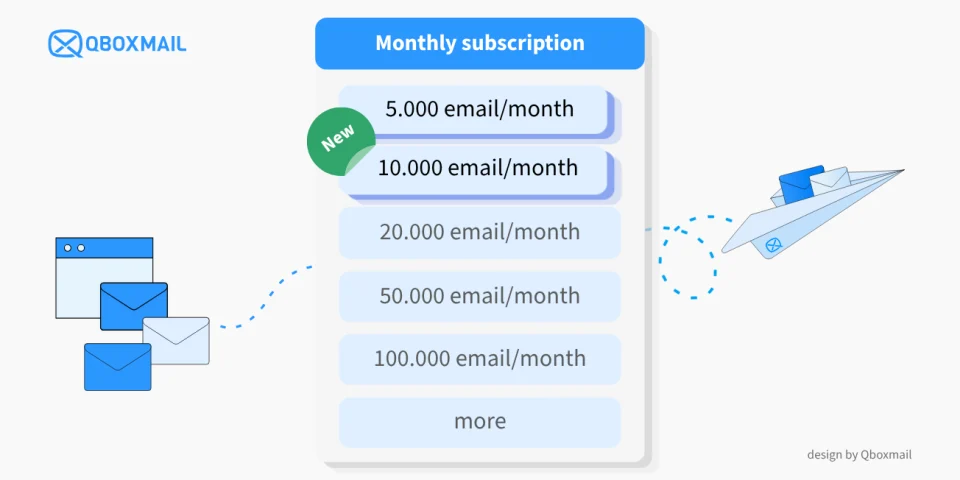
Low-Volume SMTP Relay: New Email Delivery Plans with 5,000 and 10,000 emails per month
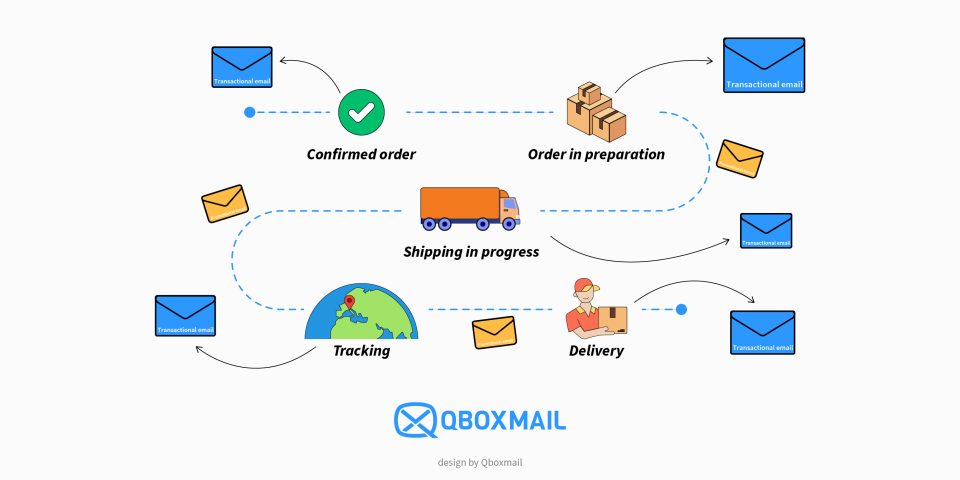
Email Notifications for Shipping: Management in Logistics Systems
