Qboxmail Blog

Illustration of email messages, gears and a smartphone representing mobile email management and automation
News
Other
Qboxmail

How to Activate and Purchase Qboxmail Services

Getting started with Qboxmail is simple. You begin with a 30-day free trial that lets you explore the platform and test all core features. Once you’re ready, you can purchase the service directly from the Control Panel. Start the Free...

The image is an illustration with the text “BACK TO THE BACKUP,” clearly inspired by the “Back to the Future” logo. Next to the text is an illustration of a hard drive. The design is attributed to Qboxmail. The image seems to promote the importance of data backups, with a nostalgic and creative twist.
News
Qboxmail
Security
Solutions

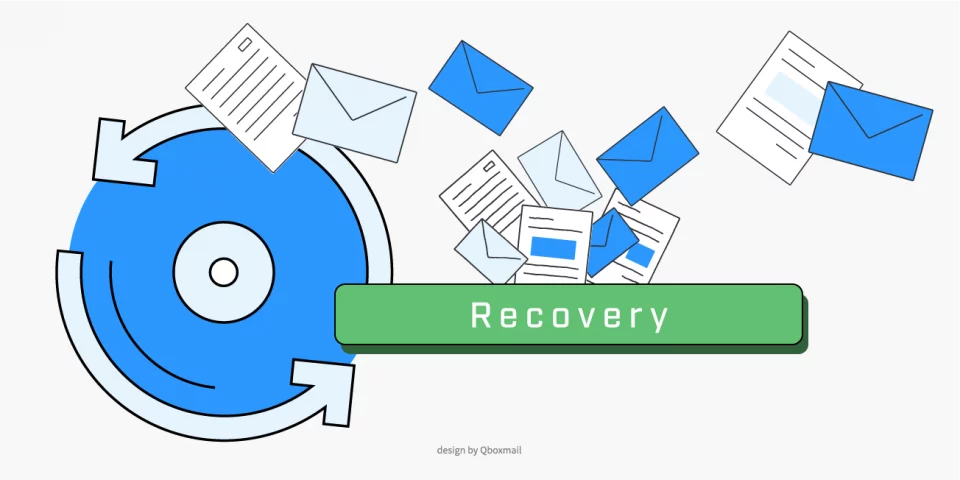
Daily email backup with Mail Time Machine

Have you ever despaired for accidentally deleting one or more messages from your mailbox? How did it go? Were you able to recover them quickly and easily? With Qboxmail, you no longer have to worry about losing precious information. Thanks...

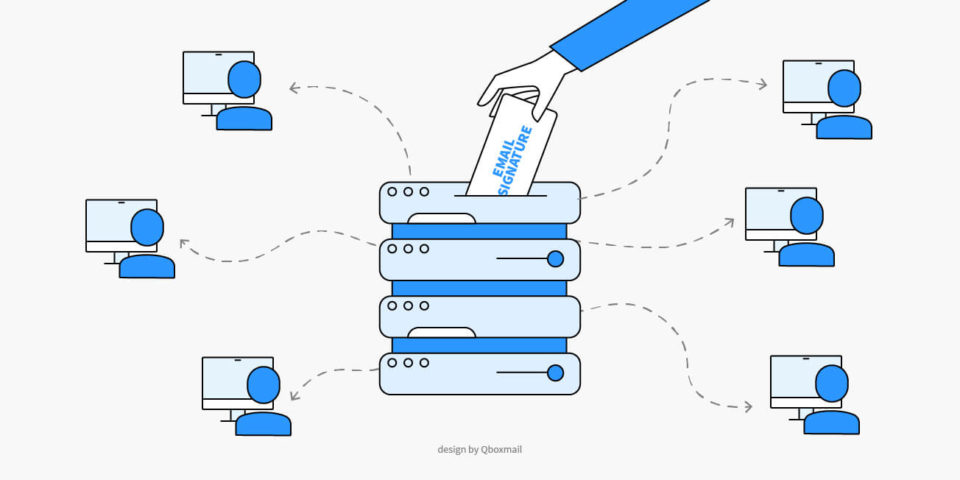
Illustration depicting the centralized management of email signatures. A hand inserts a document with the words 'EMAIL SIGNATURE' into a server, which distributes the signatures to the computers of multiple connected users. The image symbolizes a centralized system for applying corporate email signatures. Design by Qboxmail.
API
Brand
Qboxmail
Solutions

Corporate email signature templates

How to Manage them With Qboxmail Corporate email signature templates give businesses a consistent, professional identity in every message. With Qboxmail, IT managers, MSPs, and web agencies create, update, and manage signatures centrally — without manual setup or third-party tools....

the illustration of professional email signature
Brand
Marketing
Solutions

How to create a professional HTML email signature

An email signature is often underestimated, yet it’s one of the simplest ways to present a professional image and strengthen a company’s brand. A clean, well-structured signature improves credibility and makes every message look more reliable. Poorly formatted signatures, missing...

Illustration depicting protection from phishing attempts: a scissor cuts a hook with a login screen to prevent credential theft. Security and cyber threat symbols highlighted. Design by Qboxmail.
News
Security
Solutions

Password theft

A new monitoring system to protect your mailbox Malware that infect computers tend to steal the login credentials of webmail users more and more often. Attackers then use these credentials to send additional emails containing spam or viruses through their...

Cybersecurity and Data Protection – A symbolic representation of online security, featuring a wooden block with a padlock icon placed on a computer keyboard. Ideal for topics related to digital privacy, secure communications, and IT security solutions.
Privacy
Security
Solutions

Emotet, the virus stealing email fragments to be more credible

Recently, users have reported emails being sent under their name, both to unknown recipients and contacts. Messages contained a virus-infected Office documents attached to them. What we have in front of our eyes is the return of Emotet, a very...

We use cookies to provide you with a better browsing experience, by continuing, you accept their use. For more information, visit the Privacy Policy page.

Accept