New version of the Qboxmail WHMCS module


Resellers who use WHMCS to automate the sale of hosting services can rely on the Qboxmail module to expand their offer, especially for professional email services.
The module helps you extend your service catalogue. It integrates the creation and billing of professional mailboxes directly into your operational workflow.
We have released an update designed to improve compatibility with recent WHMCS versions and to make specific features requested by resellers more reliable.
What is new in this version
This update is a complete refactoring. It makes the module easier to maintain, more compatible and ready for future improvements.
The version change reflects this step forward. We moved from 1.0.x to 2.2.0 because many changes were already implemented locally but not yet released.
We focused on three main areas: compatibility, interaction with other modules and code maintenance.
Below is the list of improvements included in the new version. All of them help ensure a more reliable process when creating and managing mailboxes.
- Compatibility with WHMCS versions from 8.8 to 8.13
- PHP support from 7.4 to 8.3
- Better integration with other WHMCS modules
- Code refactoring to simplify future maintenance and updates
Here, the Detailed Changelog
Fixed & Improved
Simplified Logger:
core/HandlerError/Logger.php - Removed all the Monolog code that was commented out anyway. Logger methods still exist for compatibility but don't actually log anything.
Regenerated autoloaders:
All composer autoload files regenerated to remove references to deleted packages
Sidebar improvements:
Control Panel & Webmail links now open in new tabs (added target_blank: true in app/Config/sidebars.yml)
Fixed PHP 8+ compatibility issue in SidebarService.php - was accessing array keys directly without checking if they exist, causing "Undefined array key" warnings
Updated sidebar widget classes to properly pass the target attribute to WHMCS
Client area improvements:
Reduced table font size to 12px to prevent horizontal scrollbars on Email Accounts and Email Aliases tables
The Numbers
Module size: 13MB → 9.7MB (25% smaller)
Vendor folder: 4.0MB → 1.4MB (65% reduction)
PHP files: 1,329 → 821 (508 files removed)
Code removed: 60,727 lines
What this Update Means for Resellers
Resellers who use WHMCS to automate the sale and management of Qboxmail services will benefit from smoother integration, especially when interacting with other installed modules.
The update allows you to work with recent versions of WHMCS and PHP without using workarounds or rolling back to older releases. It ensures a more consistent workflow and fewer manual operations.
How to Download and Install the New Version
The updated version is available on the dedicated Qboxmail module page in the WHMCS Marketplace.
If you are installing it for the first time, you can follow the video guides available in our official documentation.
If you are already using a previous version, here is the upgrade procedure.
Upgrading from previous version
Important: Don’t try to merge files. You need a full replacement.
# Backup everything first
# backup data
cp -r modules/servers/Qboxmail modules/servers/Qboxmail.backup
# backup database
mysqldump -u user -p whmcs> whmcs.sql

# Remove old version
cd modules/servers/
rm -rf Qboxmail/

# Upload new version to modules/servers/Qboxmail/

# Fix permissions if necessary
chown -R www-data:www-data Qboxmail/
chmod -R 755 Qboxmail/

# Clear WHMCS caches
rm -rf templates_c/*
systemctl restart php-fpm

# Test the connection
# Admin: System → Servers → Test Connection
# Client: Access product details page
Our goal
Our goal is always the same. We want to simplify the management of email services and ensure a stable integration. This guides the way we design every tool.
Your feedback is important to us.
If you have the chance to test this version of the module, you can share your experience by leaving a review on the WHMCS Marketplace. It helps us improve future updates.

Qboxmail is partner of MSP Global 2026: Meet Us in Barcelona
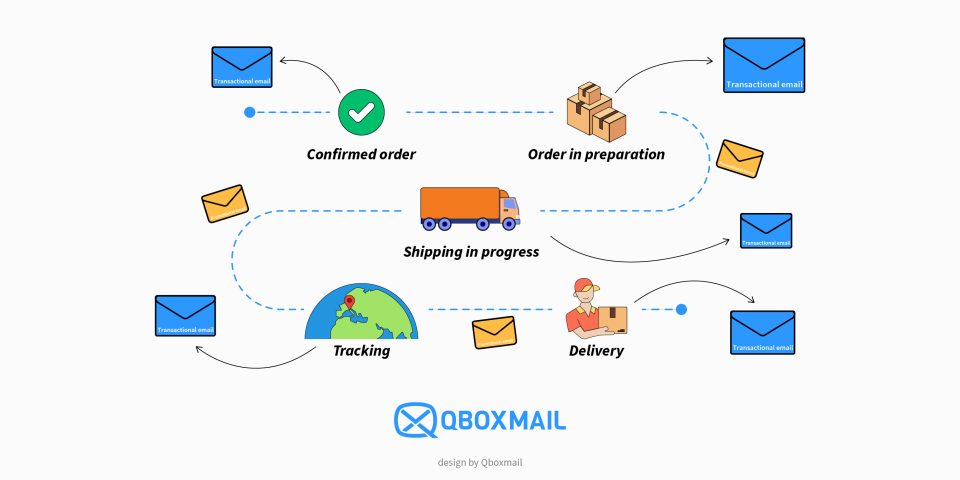
Email Notifications for Shipping: Management in Logistics Systems