How to verify and update your SPF, DKIM and DMARC records

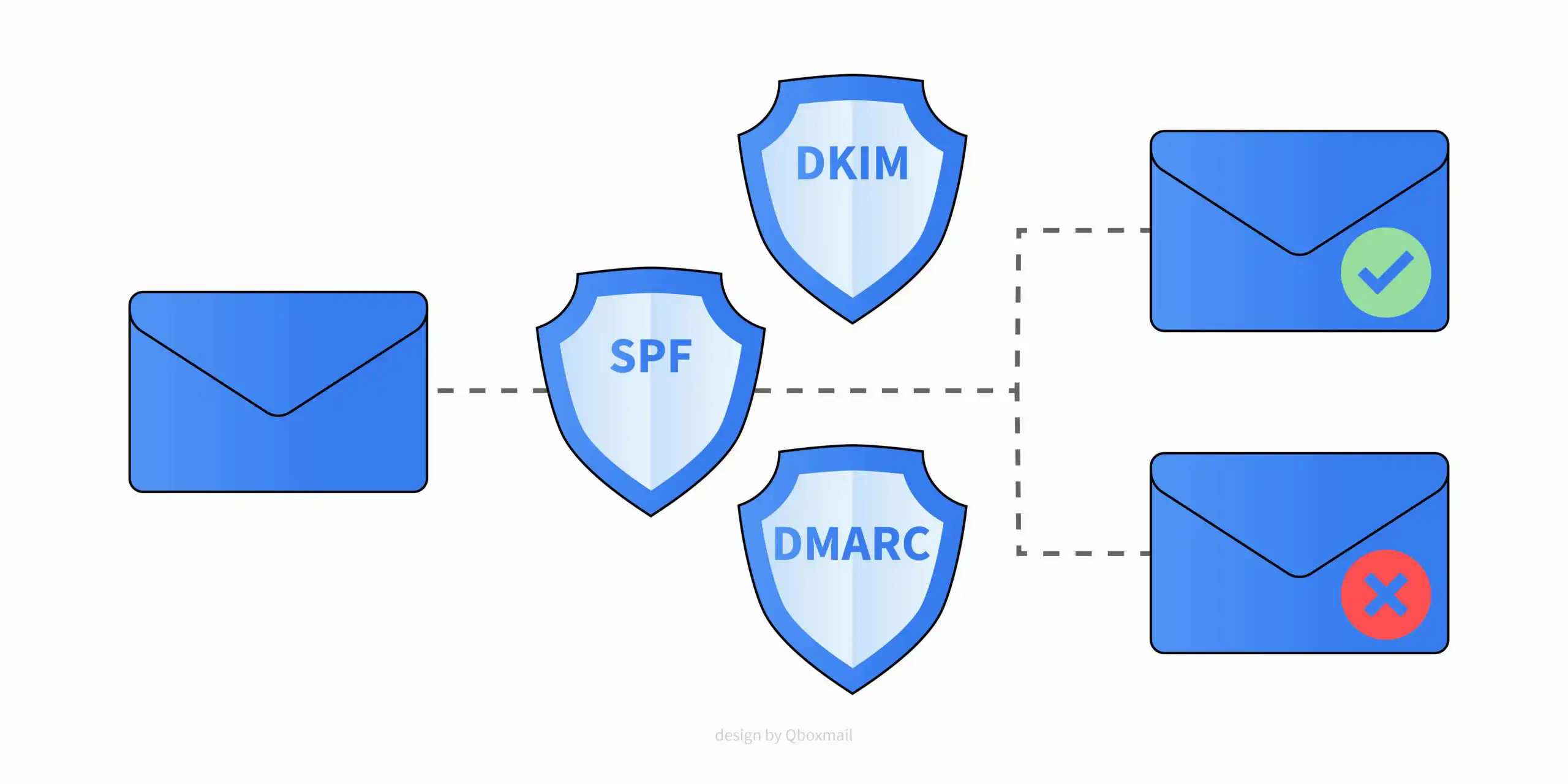
Email spoofing keeps growing. Publishing and maintaining SPF, DKIM and DMARC helps protect your domain and supports deliverability when configured correctly. This guide explains what they are, how they work together, and how to set them up with Qboxmail.
What is SPF
Sender Policy Framework (SPF) is a DNS TXT record that lists the servers allowed to send email for your domain. Receiving servers use it to check whether the sending IP is authorized.
Why it matters:
- prevents unauthorized hosts from sending with your domain
- reduces false positives when records are accurate and up to date
- Keep it current whenever you change providers or add new sending sources.
What is DKIM
DomainKeys Identified Mail (DKIM) adds a cryptographic signature to outgoing messages. Receivers verify that the message was sent by an authorized system and was not altered.
Why it matters:
- ties messages to a signing domain
- builds a consistent technical identity that receivers can evaluate
DKIM by itself does not “guarantee inboxing”, but consistent, legitimate traffic signed with DKIM helps receivers assess your mail.
What is DMARC
Domain-based Message Authentication, Reporting and Conformance (DMARC) tells receivers how to handle messages that fail SPF and DKIM alignment checks. You publish it as a DNS TXT record and can request daily XML reports.
Why it matters:
- enforces a policy on failed authentication
- gives visibility through aggregate and forensic reports
Note: an incorrect DMARC policy can cause delivery issues. Test before enforcing quarantine or reject.
How to set up SPF, DKIM and DMARC records for Qboxmail
Qboxmail provides you with the correct DNS settings to add to your domains.
SPF:
v=spf1 include:spf.qboxmail.com mx a -all
If you have already published a DNS record, check that it ends with “-all”. Here you will find all the details to correctly set the SPF record for your domain: SPF Record settings.
DKIM:
If you use the Qboxmail SMTP service you don’t have to do anything, the emails sent are already signed with DKIM. If necessary, you can set up a custom DKIM signature for your domain. You can find more information here.
DMARC:
v=DMARC1; p=quarantine; rua=mailto:rua@dmarc.qboxmail.com; ruf=mailto:ruf@dmarc.qboxmail.com
Here you will find all the details to correctly set up a DMARC policy for your domain: DMARC Policy settings.
Toolbox Tool: Check if DNS settings are correct
Qboxmail provides you with a special tool to check if the DNS settings of your domain are correctly configured, you can check the MX, SPF and DMARC records and immediately know if there are any problems.
You can find Toolbox directly here.
About Qboxmail
Qboxmail is a cloud business email management service that provides a suite of complete tools to manage emails anywhere. It includes an advanced Email Security system.
For more information contact us, we will be happy to explain our services in detail.
If you want to take advantage of the free trial of all our services
for 30 days sign up here
On our blog you will find an article to learn more about Email Spoofing and how to protect your emails.

Mistakes that send email to spam

The importance of DMARC reports
