Create Predefined and Personalized Messages Qboxmail’s Webmail


Efficient communication is essential for any business.
Managing emails quickly and clearly improves collaboration, saves time, and strengthens professional relationships with customers and partners.
To make this process smoother, Qboxmail’s Webmail includes a set of smart tools designed to simplify daily email management. One of the most useful is the Email Templates feature.
Write Once, Use Anytime
Email templates let you save predefined messages that can be reused whenever you need to send recurring emails, such as booking confirmations, order updates, or replies to information requests.
Instead of rewriting the same message multiple times, you can create a template once, personalize it, and send it instantly. This saves time and ensures consistency in communication.
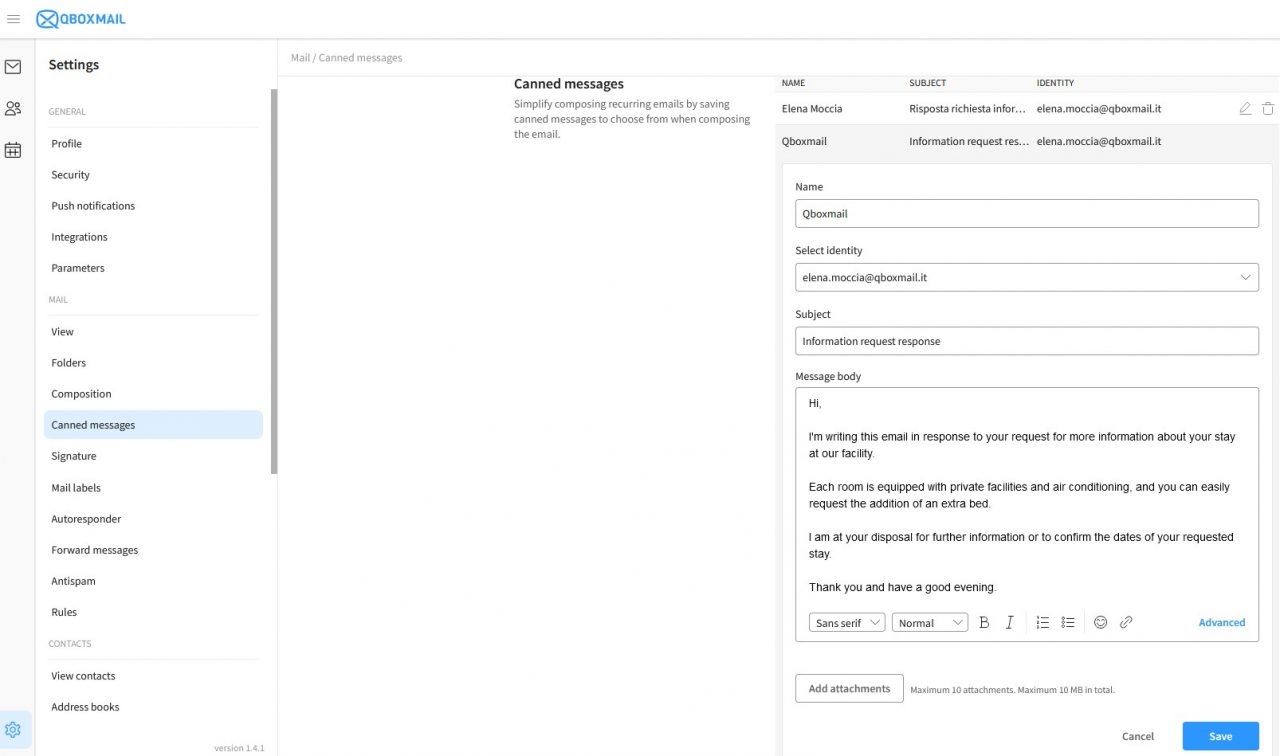
Creating a template is simple:
open Email Templates from the Webmail menu, click New Message, and set up your predefined structure by adding a name, subject, sender address, text, and any attachments. Once saved, you can select your template directly while composing a new email, editing any part before sending.
How to do an Email Template
Practical Example: Hospitality and Customer Care
A hotel or B&B can use templates to manage recurring communications efficiently:
Routine communication
Send balance reminders, welcome emails, or follow-up messages without rewriting the same content each time. Templates keep messages consistent and error-free.
Booking confirmations
Define a standard message that includes reservation details, stay duration, and special requests. Add a personalized signature with contact information, cancellation policy, and a thank-you note.
Replies to information requests
Create predefined answers for common questions such as room availability, pet policy, or breakfast options. This helps provide clear and quick responses while maintaining a professional tone.
Professional Touches that Make a Difference
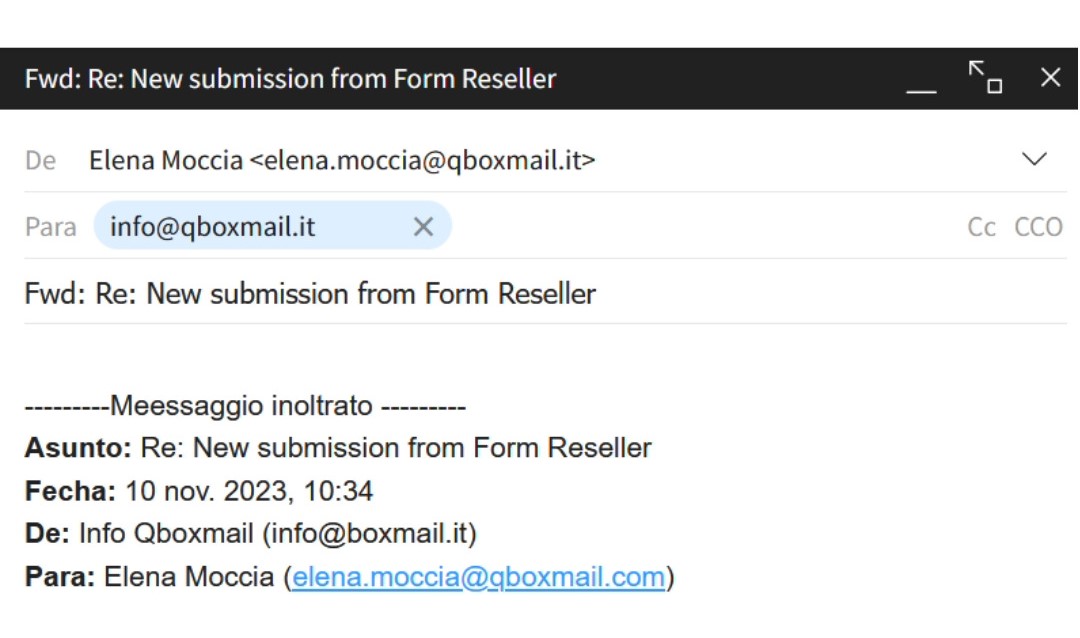
When you need to resend or adapt an existing message, avoid forwarding old emails.
Instead, use the “Send as new” option in Webmail. It allows you to reuse a message without the “FWD” tag or previous headers, ensuring your email looks clean, professional, and directly written for the recipient.
Small details like these make your communication more efficient and polished.
Flexible Settings Based on Your Plan
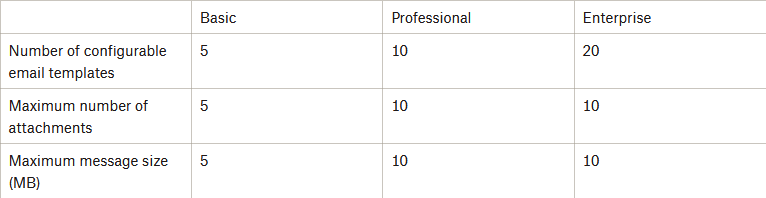
Depending on your active plan (Basic, Professional, or Enterprise), you can create a different number of templates, manage attachments, and define message size limits.
Each plan gives you the flexibility to adapt the tool to your workflow and business needs.
By using email templates, you save valuable time, streamlining message composition to optimize your business communication.
Save Time, Keep Communication Professional
With Qboxmail’s Webmail, you can manage predefined and personalized emails in just a few clicks.
Templates help you reduce repetitive work and maintain a consistent, professional image in every message you send.
Contact us for a free trial of our Webmail or try Qboxmail services for FREE for 30 days and discover how easy it is to improve the way your company communicates.

Do you use Google Workspace only for email?

Plus Addressing: What to Know
