How to Activate Email Delivery Service

How to: A Guide to Activate Email Delivery Service Even if You’re not a Qboxmail Customer
Email management is crucial for running your business smoothly. Qboxmail offers an in-house developed solution based on a pay-per-use model. Moreover, it gives you full control over your communications.
Email Delivery aims to simplify and optimize the deliverability of your emails. By activating the service, you can send large volumes of transactional and promotional emails via the SMTP (transactional and promotional emails) protocol without leaving your application. In addition, Email Delivery is the SMTP engine that allows you to send emails without any hourly or daily limits.
In this article, you will learn how to activate Qboxmail’s Email Delivery service to improve your communications management. Our guide takes you step-by-step through ordering hosting, waiting for activation, and configuring the Email Delivery service. As a result, you will have a secure and high-performance system.
If you are already a Qboxmail customer, you can activate Email Delivery directly from your Control Panel by logging in as Admin.
If you are not yet a Qboxmail customer, follow the steps below.
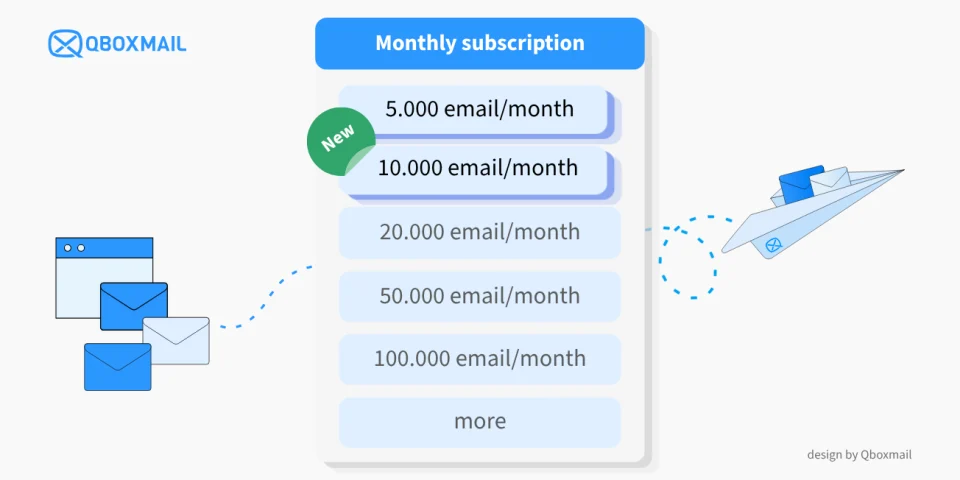
In both cases, you can start with a free account that includes 5,000 email sends per month.
Below is how to proceed to activate the Email Delivery service, if you are not yet a customer:
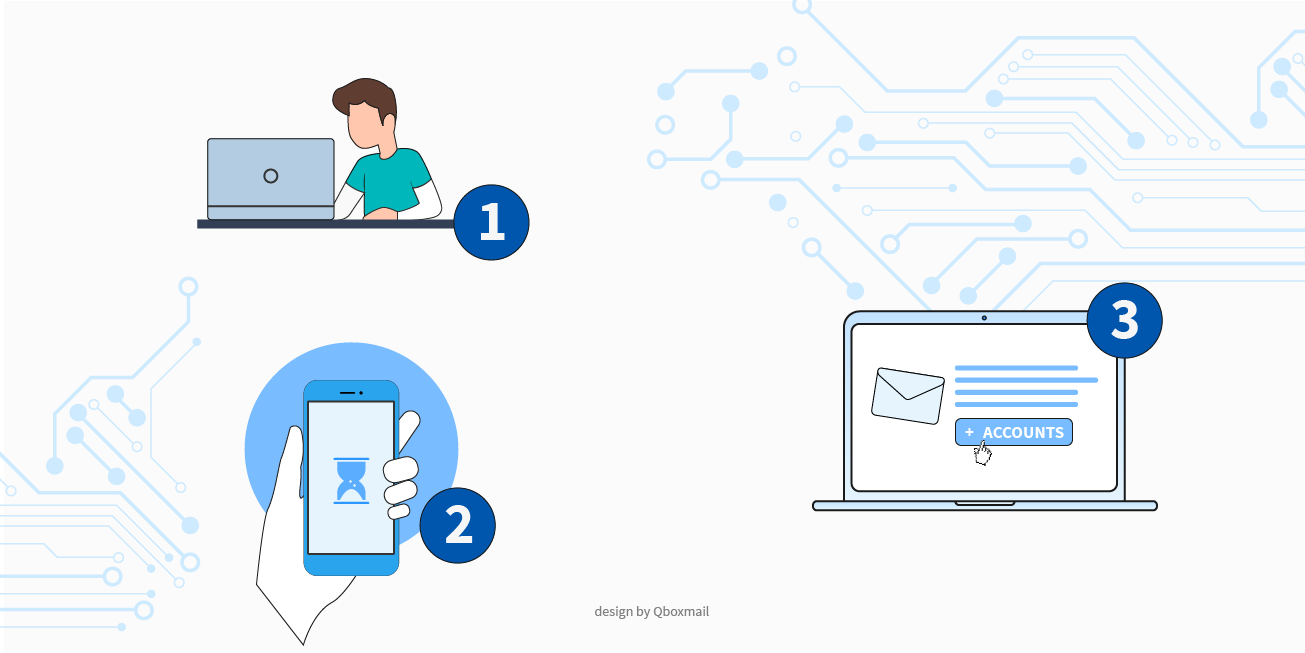
Step 1: Fill out the form to request service activation.
- Fill out the form to request service activation
- Once you complete the registration, you will receive an email containing a link to access the Control Panel for the first time. Set your Control Panel password and verify your account.
Step 2: Initial Control Panel Login
When you log in to the Control Panel for the first time, you will be prompted to:
- Set your password
- Select the service you are interested in
- Specify your business type
Step 3: Set Up the Email Delivery Service
- Go to the Delivery section of the Control Panel.
- Follow the setup wizard to create your first free account, which includes a monthly allowance of 5,000 emails.
Activating Qboxmail’s Email Delivery service is simple. It allows you to use a secure, flexible, and personalized solution.
Get started for free and see how you can enhance your email handling. If you need assistance, our team is always ready to help!
IP Blocklisted: causes, how to check, and how to fix it
Qboxmail is partner of MSP Global 2026: Meet Us in Barcelona