Cancel Send Email


Cancel Send Email: How Qboxmail’s “Undo Send” Protects Your Messag
We’ve all felt that sinking moment: you hit Send too quickly, only to realize the attachment is missing or the recipient address is wrong. In a professional setting, such slip-ups risk exposing confidential information and triggering compliance issues.
With Qboxmail Webmail, you gain a safety net built around the cancel send email concept.
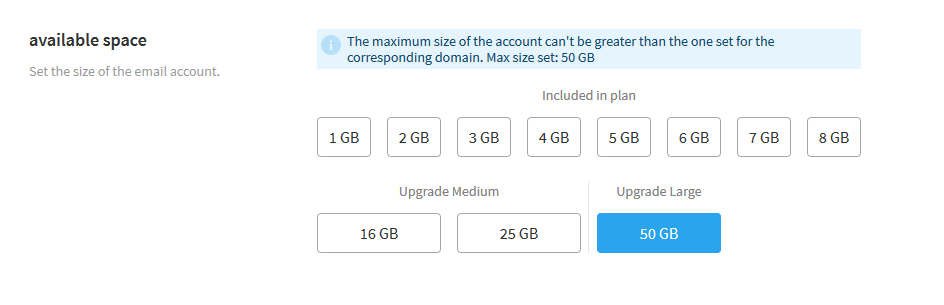
Rather than dispatching your message immediately, our Webmail client holds it in a local queue for the interval you choose. During this buffer period, the email remains on your device never sent to the SMTP servers so you can undo your action if something looks off.
You decide the length of your safety window:
- 5, 10, 20 or 30 seconds of delay (or turn the feature off entirely).
Every account starts with a 5-second window by default. If you run large mailing campaigns or simply want extra breathing room, extend that window to 30 seconds with just two clicks in your settings. No deep menus, no coding knowledge required.
This approach marries speed with control. Behind the scenes, Qboxmail intercepts the SMTP handoff on your desktop or mobile device, ensuring data never leaves the trusted perimeter until you’re ready. It’s a subtle change to your workflow, yet it prevents major headaches down the line.
At Qboxmail, we focus on features that blend seamlessly into your daily routine while fortifying your email operations.
Try cancel send email in your Webmail preferences today and make every message an error-free send.
Email migration from Google Workspace: what to know

Digital Receipts via Email
