White Label, Web Label and Private Label: Which Customization Option Should You Choose?

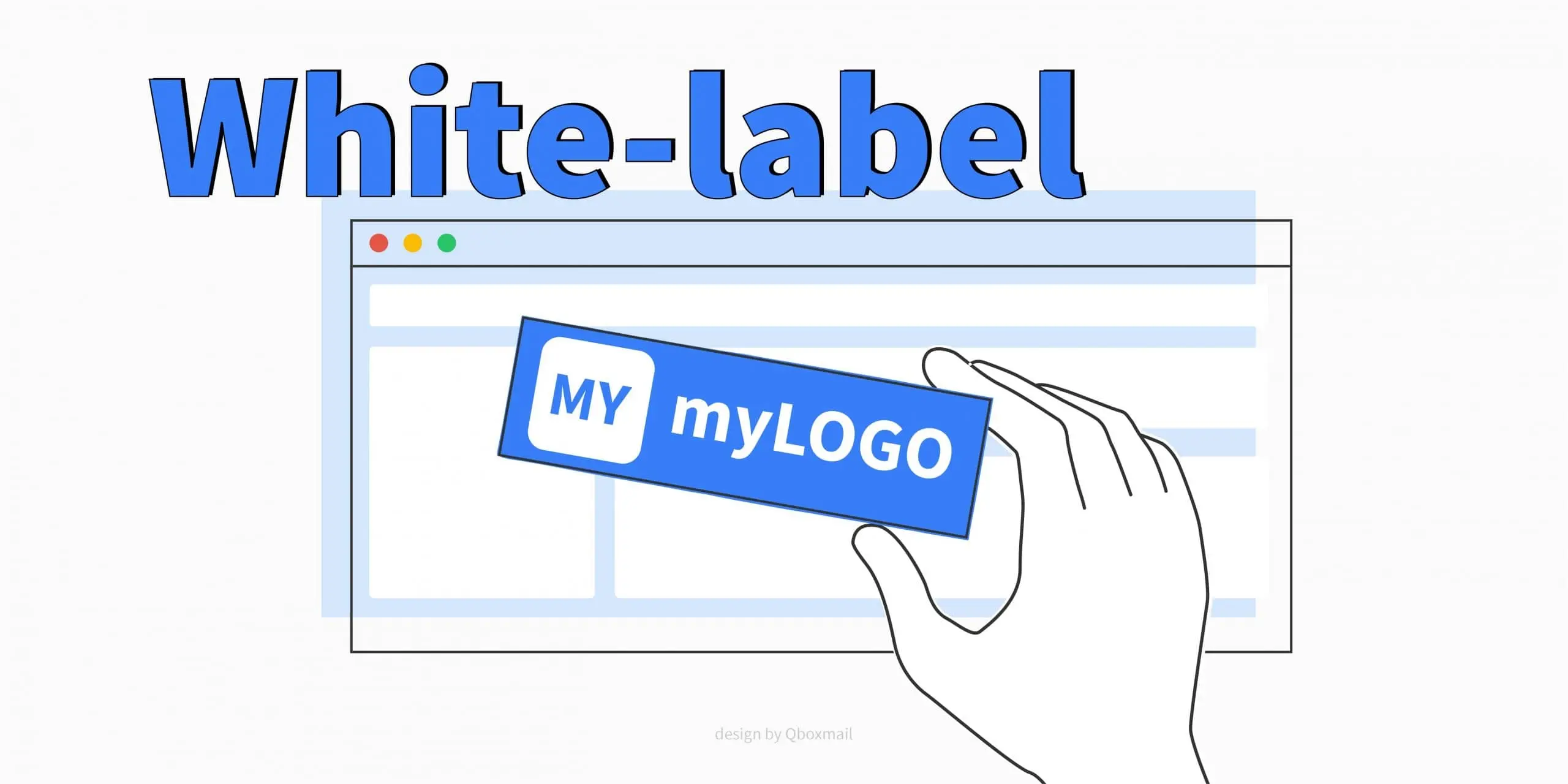
Customizing Qboxmail services means choosing which elements to associate with your brand: your logo, web access URLs and connection settings.
With Qboxmail, White Label uses neutral domains, Web Label customizes web application URLs, and Private Label extends customization to mail server hostnames. Your choice therefore depends on where you want to display your brand and use your own domain.
This applies to both Email Hosting and Email Delivery, with different applications and settings to consider.
White-Label by Design: Custom Logos and Neutral Domains Included
Qboxmail services are white-label by design: they come without Qboxmail branding by default, with neutral domains for accessing web applications and configuring services. Resellers and businesses can use them as they are or add their own visual identity.
Custom logos and the use of neutral domains are included in the service fee at no additional cost: we consider them core elements of our services. For further customization, you can request access URLs and connection settings using your own domain. With Private Label enabled, you can also request interface color changes by submitting a support ticket.
In this context, white-label describes how the services are designed. White Label, Web Label and Private Label are the names of the three customization options compared below.
Logos, URLs and Connection Settings: What Is the Difference?
A logo customizes the appearance of an application; a domain customizes the addresses and settings used to access and configure services. These are separate elements that can be combined.
Customization can cover three areas:
- Visual identity: the logo on login pages and within application interface
- Web access: the URLs used to access applications such as Webmail and the Control Panel
- Connection settings: the server details configured in email clients or applications that send messages
For example, displaying your logo in Webmail does not automatically give you an address such as webmail.yourdomain.com. Similarly, customizing a web address does not change the SMTP server used by a business application.
The article on custom logos in Qboxmail applications explains where branding appears and how reseller branding differs from customer branding.
White Label vs. Web Label vs. Private Label: Key Differences
White Label uses neutral domains; Web Label customizes web application URLs; Private Label extends customization to mail server hostnames.
The table compares visual customization, web access and Email Hosting settings. For Email Delivery, SMTP settings must be checked against the service’s specific configuration.
| White Label | Web Label | Private Label | |
|---|---|---|---|
| Web application URLs | Neutral domains provided by Qboxmail | Your own domain for the modules purchased | Your own domain across all applications |
| Dedicated SSL/TLS certificates for web applications | — | Yes | Yes |
| POP, IMAP, SMTP, DAV and Microsoft® Exchange ActiveSync hostnames | Neutral domains | Neutral domains | Your own domain |
| DNS records (MX, CNAME and SPF) | Neutral domains | Neutral domains | Your own domain |
| Dedicated SSL/TLS certificates for mail servers | — | — | Yes |
| Custom logo | Yes | Yes | Yes |
| Custom interface colors | — | — | Available on request for Webmail, Mail Time Machine and Email Archive |
A custom logo is always included in the service. A domain-specific logo requires that domain to be on the Professional or Enterprise plan.
All customization options use SSL/TLS certificates for the encrypted connections supported by the services. Dedicated certificates allow you to use custom domain names.
White Label: Neutral Domains
White Label lets you present the service without explicit references to Qboxmail in application URLs and the relevant connection settings, using neutral domains provided by the provider.
White Label customization and custom logos are included in the service fee. Resellers can therefore offer the service without making the underlying technology provider immediately identifiable, at no additional cost.
Neutral domains are available in the Customer Area. Resellers can choose their preferred domain and share it with customers. You do not need to notify Qboxmail of your choice, but you must use the same domain consistently for both application URLs and email service settings. The White Label domains are already active.
Use case: a web agency wants to display its logo in customer-facing applications such as Webmail but does not need its own domain in the access URL. It can do this at no additional cost by choosing one of the neutral domains provided by Qboxmail.
Web Label: Web Application URLs on Your Own Domain
Web Label customizes web application URLs, such as webmail.yourdomain.com. It does not automatically change the servers configured in email clients or applications.
For Email Hosting, Webmail is the base module. You can add custom URLs for the Control Panel, Mail Time Machine and Email Archive. Custom URLs include a dedicated SSL/TLS certificate; CNAME records point to the White Label domains provided by Qboxmail.
Use case: an MSP looking to integrate email into its managed services offering can customize the Webmail URL with its own domain, presenting itself as the service provider to customers. It can also customize the Control Panel URL for authorized administrators.
If Webmail is one of your main customer touchpoints, check how your brand appears within the application. The guide on what to look for in a white-label Webmail explains how to evaluate the interface and user experience.
Private Label: Your Own Domain in Email Connection Settings Too
Private Label includes custom URLs for all web applications and extends customization to service connection settings. For Email Hosting, this covers POP, IMAP, SMTP, MX, DAV, SPF and Microsoft® Exchange ActiveSync. You can therefore provide hostnames such as imap.yourdomain.com and smtp.yourdomain.com, with dedicated SSL/TLS certificates for the relevant connections.
It also allows you to request custom primary colors for Webmail, Mail Time Machine and Email Archive by submitting a support ticket.
Use case: a hosting provider wants to customize its email service using its own domain, including IMAP and SMTP connection settings. It should consider Private Label: customizing the Webmail URL alone does not meet this requirement.
What Changes for Email Delivery?
For Email Delivery, customization primarily concerns the SMTP settings an e-commerce platform, CRM or business application uses to connect to the sending service.
If you require a server hostname on your own domain, check the specific Email Delivery configuration separately from your Email Hosting mailbox configuration.
The article on white-label SMTP relay with Qboxmail Email Delivery explores this use case and distinguishes service branding from email delivery considerations.
How to Choose the Right Configuration
Start with what your customers will see or need to configure. Before requesting customization, identify:
- Services used: Email Hosting, Email Delivery or both
- Applications involved: which tools should display your brand or be accessible through your domain
- Connection settings: where neutral domains are suitable and where you require custom hostnames
- Visual identity: your general logo, any domain-specific logos and interface color requirements
Follow the guide on how to activate White Label and request customization, or contact the Qboxmail team to identify the right configuration.