Securence Alternative: How to Migrate Your Email Accounts to a New Provider

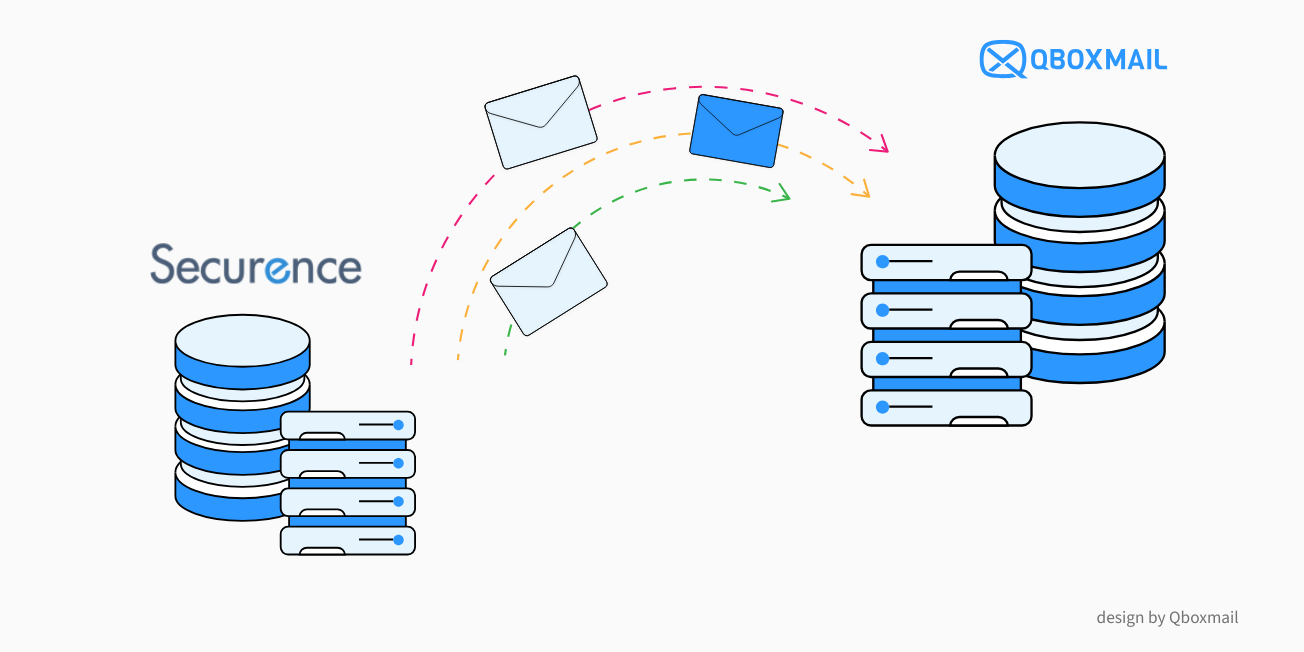
Securence Service Discontinuation: What Is Happening?
Securence has announced the discontinuation of several services starting November 11, 2026, including POP/IMAP, Securence Archiving, and Securence Filtering. This means that businesses using Securence for email services need to find a new provider and plan their migration before the deadline.
In particular, once the POP/IMAP service is discontinued, users will no longer be able to access their email accounts via POP, IMAP, or Webmail. Sending and receiving emails will also no longer be available. The migration will not happen automatically: each customer must choose a new provider and manage the transfer of their email data.
Delaying the migration means having less time to prepare and test the new service. Email is a critical business service, so the transition should be planned before Securence is discontinued.
Qboxmail can be a reliable alternative to Securence for resellers, MSPs, providers, and businesses looking for a professional, secure Email Hosting service backed by specialist support.
The platform allows you to manage multiple customers, domains, and email accounts from a single Control Panel. It is also designed for email service reselling, with multi-level management, White-Label features, and APIs.
Why You Should Plan Your Email Migration Carefully
Changing email providers involves more than simply creating new email accounts.
Before starting, it is important to identify which domains and accounts need to be transferred, how much storage they use, which configurations are currently active, and which data must be retained.
When choosing a new email provider, several key aspects should be considered:
- service reliability and continuity
- email account and data security
- tools that simplify the migration process
- centralized management of domains and accounts
- technical support during the migration and after activation
- scalability, especially when managing many users or multiple customers
A well-planned migration helps reduce the risk of message loss and interruptions in email delivery.
With Qboxmail, the migration can be prepared while the existing service is still running. This makes it possible to set up the new environment, transfer messages, and update the DNS records only when the new email accounts are ready.
Migration tools are integrated directly into the Qboxmail Control Panel, allowing you to manage the process independently.
To learn more, read our guide to business email migration.
Which Securence Services Can You Replace with Qboxmail?
If you use Securence for email hosting, filtering, or archiving, Qboxmail allows you to bring these requirements together within a single platform.
POP-IMAP Email Hosting
If you use Securence POP-IMAP Email Hosting, you can migrate domains and email accounts to Qboxmail and continue managing your customers’ email services from a single Control Panel, with features designed for resellers and MSPs.
Email Filtering
If you also use Securence Filtering, Qboxmail Email Hosting includes Email Security features designed to protect email accounts against spam, malware, and other threats.
This allows you to manage both email hosting and email protection within the same service, without having to add a separate solution.
Email Archiving
If you use Securence Archiving, Qboxmail allows you to combine Email Hosting with Email Archive, keeping email management and archiving within the same platform.
How to Migrate from Securence to Qboxmail
Migrating from Securence to Qboxmail can be completed in three straightforward steps, while keeping the existing service active until the MX records are changed.
- Create the CSV File and Start the First Migration
Prepare the CSV file containing the email accounts you need to transfer and upload it through the Qboxmail Control Panel. The first migration copies messages from the Securence server and reproduces the folder and subfolder structure in the new email accounts. For environments with many accounts, Qboxmail also allows you to create domains, email accounts, and aliases in bulk using a CSV file. - Change the MX Records
Once the first migration is complete, you will receive a notification. You can then update the domain’s MX records to direct new incoming messages to the Qboxmail servers. - Run the Second Migration
After changing the MX records, you can run a second migration to retrieve any emails that may have reached the old server during the transition and DNS update. This ensures that messages received during the migration are also transferred to Qboxmail.
Want to learn more about the process? Find out how email migrations to Qboxmail
Do Not Wait Until Securence Is Discontinued to Start Your Migration
The deadline announced by Securence is November 11, 2026. After this date, the affected POP/IMAP email accounts will no longer be accessible and will no longer be able to send or receive messages. Securence will not migrate the accounts automatically.
For this reason, it is advisable to plan the transition in advance.
The more email accounts, domains, and data you need to transfer, the more important it is to start early. This gives you enough time to prepare the environment, perform the synchronizations, and verify that the service is working correctly.
With Qboxmail Email Hosting, you can transfer messages and folders using the migration tools available in the Control Panel and rely on our technical team for support throughout the transition.
Do you have a large number of email accounts to migrate from Securence and need support? Contact us to evaluate the most suitable configuration and plan your migration to Qboxmail.
Would you like to become a Qboxmail reseller? Fill out the form.
Would you like to test Email Hosting before migrating? You can use the service free for 30 days, with no payment method required. During the trial, you can decide at any time whether to purchase the service.